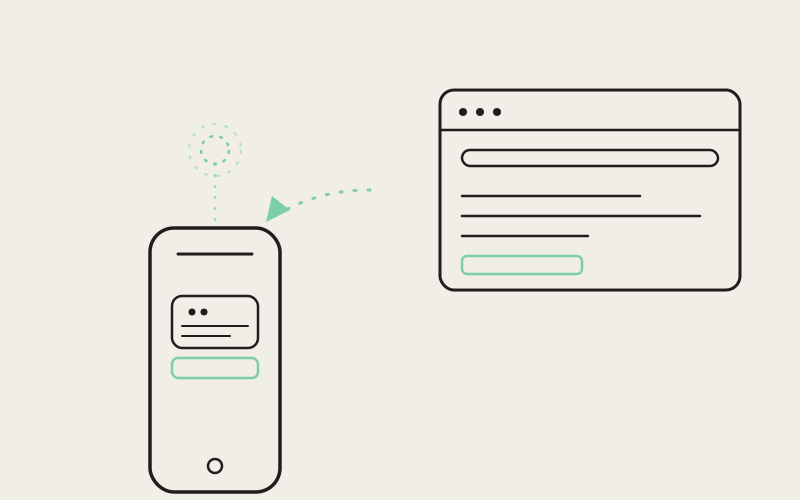
When an agent running on your desktop opens a browser tab to check a deploy status page or read a GitHub issue, you used to have two options: trust it blindly, or walk over to your laptop and look. Influxx Mobile 1.2 adds a third option — a live preview card in the chat thread on your phone that shows the actual desktop browser tab the agent is driving, resolved from the same session data that powers the desktop tab strip, with a real screenshot in place of a guessed Open Graph thumbnail.
The Gap Between "Agent Did a Web Search" and "Here's What It Saw"
Most AI coding tools that expose browser automation give you a text summary after the fact: "fetched facebook.com/business/help" or a bulleted list of what the page said. That's a report, not a view. If the agent misread a table, clicked past a cookie banner into the wrong section, or landed on a rate-limit page instead of real content, you only find out once the summary is already wrong. On desktop, Influxx solves this by letting you flip over to the actual browser pane the agent is driving. On a phone, "flip over to the desktop" isn't an option most people take mid-commute or mid-meeting.
The component behind this, MobileNativeChatBrowserPreview, is explicit in its own header comment about what it isn't: not an Open Graph unfurl. Unfurls guess at a page's identity from metadata tags the site chose to publish. This card instead asks the desktop runtime for a real frame of the real window — a screenshot of the tab the agent's browser tool actually has open, styled like a small browser chrome with traffic-light dots and a URL pill so it reads unmistakably as "this is a live desktop window," not a static link card.
Matching a Chat Card to the Right Browser Tab
The hard part isn't taking a screenshot — it's knowing which tab to screenshot. An agent's browser session on desktop can have several tabs open at once, and the chat message that triggered a preview only carries a URL, not a tab handle. That resolution problem lives in mobile-native-chat-browser-tab-match.ts, in a function called matchBrowserTabForPreviewUrl, and it runs a deliberate priority order rather than a single heuristic:
- Exact URL match first. URLs are normalized — lowercased host,
www.stripped, trailing slash removed — before comparison, sohttps://www.facebook.com/andfacebook.comresolve to the same key. - Same-host match next, preferring whichever tab on that host is currently active over an older, backgrounded one.
- Title match as a fallback for the moment right after navigation starts, when a tab's URL might still read
about:blankbut its title has already flipped to something like "Facebook." - The sole tab, unconditionally, when the worktree only has one browser tab open — on the reasoning that a single-tab agent session is almost always the one doing the driving, even mid-navigation.
- The active tab as the last resort when nothing else narrows it down.
That ordering is covered directly by tests in mobile-native-chat-browser-tab-match.test.ts — one exercises the exact-match case, another confirms an active same-host tab wins over an older one at a different path, and another confirms a bare host string like facebook.com still resolves against a tab whose actual URL carries www..
"The obvious version of tab-matching is 'find the tab with this URL' — and that breaks the instant the agent opens a tab, it's still on
— Priya Okonkwo, Staff Engineer, Mobile Runtime at ETAPXabout:blank, and the URL hasn't settled yet. We had to match on title, match on host separately from full path, and fall back to 'there's only one tab, it's obviously this one' before the matcher was reliable enough to ship on mobile."
Where the URL Actually Comes From
Before any tab-matching happens, the preview card needs a target URL in the first place. That's resolved by a small shared helper, browserPreviewUrlForResearchRow, which looks at a research/fetch row from the transcript and checks, in order, whether the row's recorded source URL is a usable http(s) address, then whether the row's raw query string is one, and finally whether the query looks like a bare host — something with a dot and no whitespace, like facebook.com — worth prefixing with https:// and trying anyway. Every resolved URL passes through redactUrlForResearch before it's used, so the same privacy handling that applies to research citations elsewhere in the transcript also applies to the URL shown on this card.
Desktop RPC to Mobile Render: The Actual Data Flow
Discovery: Reusing the Tab Strip's Own Source
The mobile hook that drives all of this, useMobileNativeChatDesktopBrowserPreview, deliberately calls the same RPC method that powers the ordinary mobile browser tab strip first: session.tabs.list. The comment in the source is direct about why — "if the user can open the Facebook browser tab there, we can resolve the same page id" here. Only tabs with type === 'browser' and a real browserPageId are kept; each becomes a match candidate with its URL, title, and whether it's the active tab. If that call comes back empty, the hook falls back to the agent-specific browser.tabList RPC, and if that also comes up empty, to browser.tabCurrent for whatever tab the agent's browser session currently has focused.
Capture: Screenshot First, Screencast as Fallback
Once a browserPageId is resolved, the hook requests a still frame via the browser.screenshot RPC method, passing the worktree and page id and asking for JPEG. If that fails — the comment notes this can happen against an older host build that predates the method — it falls back to briefly subscribing to browser.screencast, the same streaming CDP-backed pipeline that powers the full-screen desktop browser pane inside a session, grabbing exactly one binary frame before unsubscribing. Both source code paths in src/main/runtime/rpc/methods/browser-screencast.ts and browser-core.ts confirm these are real, separately defined RPC methods on the desktop runtime, not client-side simulation — browser.screenshot is a one-shot request/response method, while browser.screencast is a streaming method with its own explicit unsubscribe call.
Both Methods Are Explicitly Mobile-Allowlisted
Every RPC method a mobile client is permitted to call passes through MOBILE_RPC_METHOD_ALLOWLIST in src/main/runtime/runtime-rpc.ts. browser.screenshot, browser.screencast, and browser.screencast.unsubscribe all appear in that list, each with an inline comment tying it back to this exact feature — "native-chat research cards show a live desktop browser screenshot (not OG unfurl) for pages the agent is reading — needs list + capture." A mobile device connection that isn't on this allowlist for a given method gets a forbidden RPC error instead of a response, which is the same boundary every other mobile-visible desktop capability goes through.
Polling, Not a Persistent Stream
The hook doesn't keep a socket open for the life of the preview card. It polls: every 1.5 seconds while the underlying fetch is still marked as loading, and every 4.5 seconds once it's settled, re-running tab discovery and capture on each tick. A ref tracks the last page id that successfully rendered, specifically so the hook avoids re-opening a screencast subscription on every poll once a screenshot is already flowing for that page.
What the Card Actually Shows
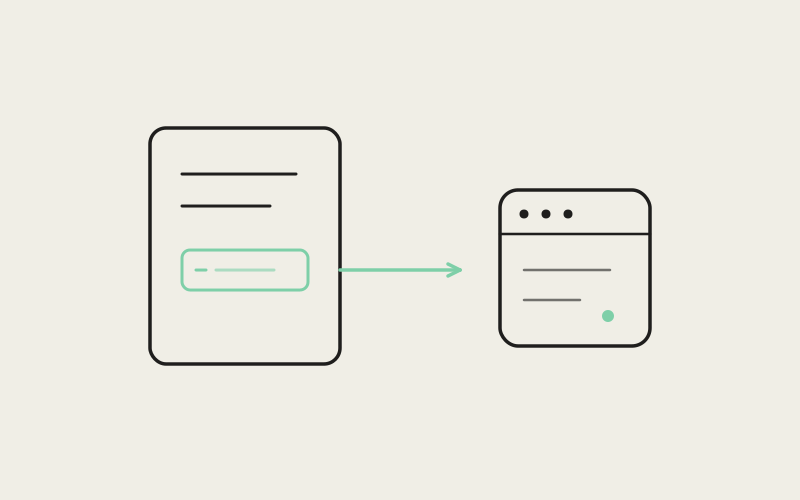
The rendered card mimics a small browser window: three traffic-light dots, a URL pill showing the resolved tab's path (truncated past 36 characters with an ellipsis, falling back to the bare hostname at the root path), and an external-link icon. Below that sits the captured frame itself, with a status badge overlaid — "Reading…" while the fetch is in flight, "Couldn't load" if it failed, or "Desktop" once a live frame is showing. Tapping the card opens the resolved tab's URL in the phone's in-app session browser. Until a real frame resolves, the card shows a neutral fallback state — "Connecting to desktop browser…", "Waiting for desktop browser window…", or an error message — never a blank flash or a placeholder from a third-party unfurl service.
"I was on the subway watching an agent work through a support-ticket triage flow, and it opened a page that turned out to be a login wall instead of the dashboard I expected. Normally I wouldn't know that until I got back to my desk and the summary read weird. This time I saw the actual login screen in the chat thread and could just tell it to authenticate differently, right then."
— Devon Achebe, platform engineer at a mid-size fintech, Influxx user
Why This Stays Narrow on Purpose
The preview card only activates for fetch-kind research rows with a resolvable public URL, and only when both an RPC client and a worktree id are available — otherwise the hook returns idle and the card doesn't render at all. It doesn't try to mirror arbitrary desktop state, doesn't attempt bidirectional control from the phone, and doesn't fabricate a preview for a tab it can't actually locate. When tab discovery, screenshot, and screencast all fail, the card is honest about that instead of showing stale or synthetic content. That restraint is what keeps it trustworthy: a card that only ever shows a real frame, from a real tab, that the desktop agent is really looking at.
"Cross-device features fail quietly when they're built as a thin visual layer with no real connection underneath — a nice-looking card that's actually just a link preview. We wanted the opposite: the same screenshot pipeline the desktop browser pane already trusted, exposed through the same allowlisted RPC boundary every other mobile capability goes through, so a phone screen shows exactly what the agent's browser tool is doing on your machine."
— Marguerite Solano, VP of Product at ETAPX
Frequently Asked Questions
Does this let me control the desktop browser from my phone?
No. The preview card is read-only — tapping it opens the resolved URL in the phone's own in-app browser rather than sending input back to the desktop tab. It's a live view of what the agent sees, not a remote-control surface.
What happens if the agent has multiple browser tabs open?
matchBrowserTabForPreviewUrl ranks candidates: an exact URL match first, then a same-host match preferring the active tab, then a title match, then the sole tab if there's only one, then whichever tab is currently active. It's designed to pick correctly even while a tab is still mid-navigation.
Is the screenshot a cached thumbnail or a live frame?
It's requested fresh on each poll cycle — every 1.5 seconds while the fetch is loading, every 4.5 seconds once settled — via the browser.screenshot RPC method, with a one-frame screencast grab as fallback if that method isn't available on the connected host.
Does this work over a remote or SSH-connected desktop session?
The preview goes through the same runtime RPC transport as every other mobile-visible desktop capability, gated by the mobile device allowlist rather than by local-only assumptions, so it follows whatever transport that worktree's session already uses.
Can this leak a page I didn't want shown, like an internal admin tool?
The card only activates for fetch-kind research rows the agent itself already recorded in the transcript, and every resolved URL passes through the same research-URL redaction used for citations elsewhere in the chat. It doesn't independently browse or capture tabs outside that flow.
What if the desktop app is on an older version that doesn't support screenshot capture?
The hook falls back to a short-lived browser.screencast subscription — the same streaming pipeline the full desktop browser pane already uses — grabs one frame, and unsubscribes immediately after.
Why not just show an Open Graph preview like a normal link card?
Because an OG unfurl reflects what a site chose to publish in its metadata, not what the agent is actually looking at. A page behind a login wall, a partially loaded state, or a page with no OG tags at all would all render identically or not at all — this card instead shows the real, current pixels of the tab in question.
Small, well-scoped features like this one are a reminder that "cross-device" doesn't have to mean a new sync layer or a new protocol — sometimes it just means asking an existing, already-trusted RPC boundary one more honest question and rendering the answer faithfully.