Most note apps that bolt on "AI" ship the same thing: a chat panel bolted to the side of your document, backed by a cloud API, that can summarize the page or answer questions about it. Influxx's Notes AI surface does something structurally different — it treats the note you just wrote as a spec, and hands it straight to the same CLI coding-agent harness that runs every terminal session in the app. No summarizer, no separate chat transcript. Click run, and the markdown you drafted becomes a live Claude Code or Codex session with real working context on disk.
The Chatbot Trap Most Note Apps Fall Into
The default pattern for "AI in your notes app" is well established at this point: add a sidebar, wire it to a hosted chat completion endpoint, let it read the current page for context, and call it a day. That's fine for asking "what did I mean here" or getting a paragraph rewritten. It is not fine if what you actually wrote was a spec — a description of a bug, a plan for a refactor, a list of acceptance criteria for a feature — because a chat panel has no way to act on it. You get an answer in a bubble. You still have to go copy that answer into a terminal, open the right repository, pick an agent, and start the actual work yourself.
For developers, that gap is the whole problem. A note that describes what needs to happen and a coding agent that can make it happen are two different tools living in two different places, connected only by manual copy-paste. Influxx's product team scoped this explicitly: an internal product-scoping note for the feature calls out that building a generic "AI chat workbench" route was considered and rejected as out of scope. The stated reasoning was direct — mapping notes onto the CLI harness was the intended design, not a chatbot panel bolted onto a document viewer.
What "AI" Actually Means in Influxx Notes
The Notes AI surface component in Influxx carries an explicit internal design note that constrains how it's allowed to be built: it has to map to Influxx's own CLI agent harness, not a third-party cloud chat API. That's a narrower promise than most "AI-powered notes" marketing copy implies, and it's worth being precise about what it rules out. It rules out routing note content to a hosted completions endpoint for a canned response. It rules out a separate conversational memory that lives only in the notes surface. What it commits to instead is reusing the exact same "run a CLI agent" function that powers every other agent launch in Influxx — the same one your terminal tabs, your worktree launches, and your keyboard-driven agent runs all go through.
The rationale documented alongside that implementation is equally explicit: the surface has to launch the real CLI harness, not a mock chat transcript. That distinction matters mechanically as well as philosophically. A mock transcript can fake understanding a codebase. A real CLI agent session — Claude Code, Codex, Cursor, Droid, or whichever of Influxx's 30-plus supported agent CLIs you've configured — actually opens a git worktree, actually reads your files, and actually writes code you can review and commit.
"We had a working prototype of a chat sidebar before we shipped any of this, and it was actively worse than not having the feature at all. It gave people a place to describe what they wanted and then nothing happened — the description just sat there as text. The design note we ended up writing for the component is blunt about it: map to the harness, not a chat API, because the whole value of a note in this app is that it can become a task without you retyping it anywhere."
— Priya Nandakumar, Senior Engineer, Editor Platform at ETAPX
From Markdown to Running Agent: The Mechanics
Six Candidates, Not a Blank Slate
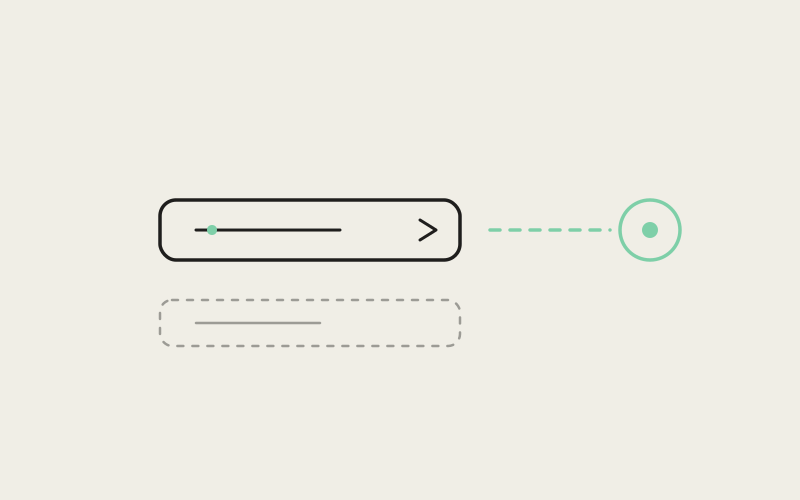
Opening the Notes AI surface doesn't present you with an empty search box. It surfaces the six most recently updated notes across all of your currently open workspaces as one-click run candidates. That number is a deliberate design constraint rather than an arbitrary UI limit — it keeps the surface fast to scan and biases toward the notes you were actually just working on, rather than making you dig through a full notes index every time you want to kick off a run. If you've got three workspaces open and you were just editing a bug writeup in one and a feature spec in another, both show up in the same list, ranked by recency rather than by which workspace they live in.
Picking a Default Agent Without Asking You Every Time
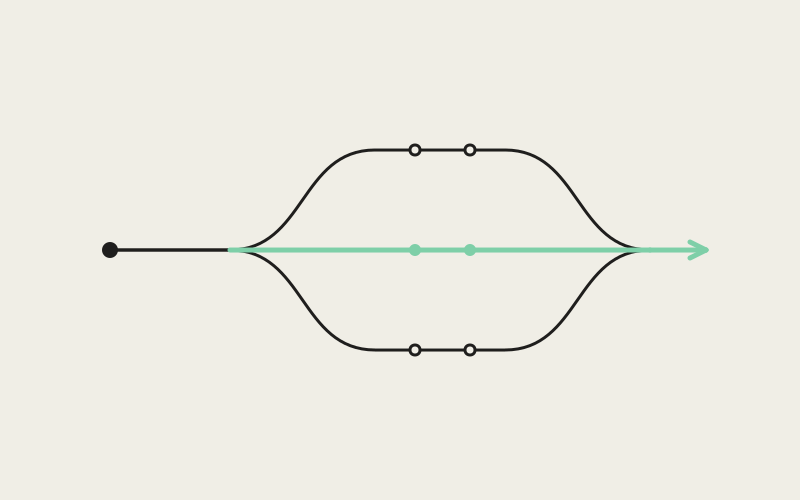
Once you pick a note to run, Influxx has to decide which CLI agent to launch it with, and it does that through a three-step fallback chain rather than forcing a selection dialog on every run:
- Your configured default Influxx CLI agent — if you've set one explicitly, that wins outright.
- Your default terminal agent setting — used next, but only if that setting isn't explicitly left blank. An intentionally empty value is respected as a real signal, not treated as "unset."
- A hardcoded sensible default — the fallback of last resort, so the feature never dead-ends with no agent selected at all.
The practical effect is that most users never see this decision happen. If you've already told Influxx which agent you prefer for terminal work, notes runs inherit that same preference automatically. You only notice the fallback chain exists the first time you run a note before configuring any agent preference at all, and the app still starts something useful instead of stalling on a picker.
One Click, One Real Session
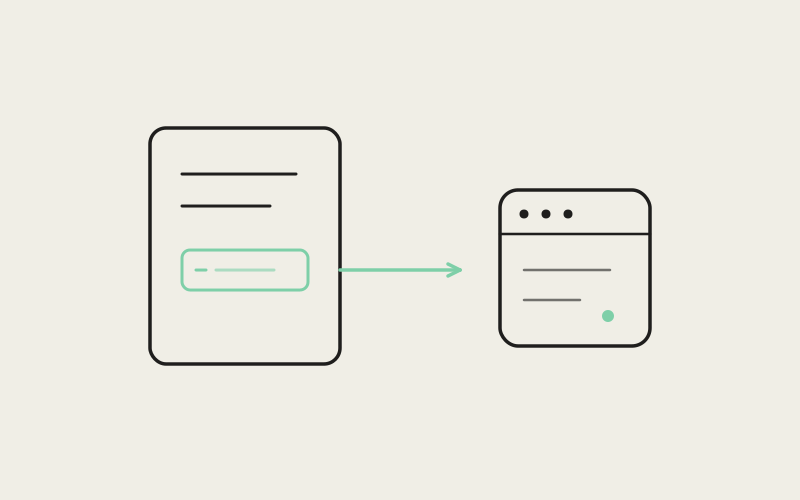
The run itself hands the note's markdown content to Influxx's shared "run a CLI agent" function — the identical code path used when you launch an agent from a terminal tab or a keyboard shortcut elsewhere in the app. That function does what it always does: creates or attaches to a real git worktree, starts a PTY session under Influxx's background daemon, and launches the chosen CLI agent with the note's content as its initial context. There's no parallel, lighter-weight "notes mode" of the agent runner — it's the same harness, the same daemon-managed process lifecycle, the same worktree isolation you'd get from any other agent launch in Influxx.
"I write a lot of my specs as notes before I ever open a terminal, mostly because that's where I think through edge cases. Being able to just run the note directly instead of retyping the whole thing into a Claude Code session saved me the part of the workflow I actually resented — not the thinking, the transcription."
— Marcus Feld, platform engineer at a logistics software company, Influxx user
Where the Context Actually Goes
A run that successfully exports agent context doesn't just leave results implicit in a terminal scrollback. Influxx shows a confirmation in the UI that agent context was exported to the on-disk .influxx directory. That's a small detail with an outsized practical consequence: the working context an agent built up while running your note — not just the code changes, but the state the harness tracks for that session — lands as real files in the repository's .influxx directory rather than staying trapped in an ephemeral chat history that vanishes when you close a panel. It's on disk, it's inspectable, and it persists the same way any other agent-run artifact in Influxx does, because it went through the same export path every other agent run uses.
That confirmation is also the moment where the "not a mock transcript" design principle becomes visible to the user. A chatbot summarizer has nothing to export — there's no working directory, no session state, nothing that outlives the conversation. A real CLI agent run has all of that by construction, and the UI simply tells you it happened.
A Note Opened This Way Is Just Another File
The integration goes one layer deeper than the run button. Opening a note from the AI surface routes through Influxx's normal file editor and tab system — it does not drop you into a separate, notes-only document viewer. That means a note you open from this surface behaves exactly like any other open file in the workspace: it sits in the same tab strip as your source files and terminal panes, it responds to the same keyboard navigation, and it's reachable through the same Cmd+J jump palette you'd use to jump to any other open tab. There's no context switch into a walled-off "notes app inside the app" — the note is just a markdown file that happens to be a good candidate for triggering a CLI agent run, and the editor treats it accordingly.
This is a direct consequence of the same scoping decision that rejected the chat-workbench route. A dedicated notes viewer with its own navigation model would have been the easier build in isolation, but it would have reintroduced exactly the kind of walled garden the design explicitly avoided — a second surface, parallel to the terminal and editor, instead of one surface where notes, code, and running agents are all just tabs.
"The pitch for Influxx from day one was that your notes, your terminals, and your running agents shouldn't live in three different mental models. If we'd shipped a chat workbench for notes, we'd have built a fourth one by accident. Routing a note through the real editor and the real agent harness instead of a bespoke viewer and a bespoke chat loop is what keeps the product from fragmenting every time we add a new surface."
— Renata Solberg, VP of Product at ETAPX
Why This Matters for a Developer's Actual Workflow
The value here isn't "notes now have AI." It's that the distance between writing down what needs to happen and having an agent start doing it collapses to one click, without changing tools, without re-explaining the task in a chat box, and without losing the artifact once the session ends. A few concrete consequences follow from that:
- No re-typing tax: A spec drafted as a note — reproduction steps, acceptance criteria, a rough implementation plan — becomes the agent's literal starting context, verbatim, instead of being summarized or paraphrased into a prompt.
- Consistent agent behavior: Because the run goes through the same harness as every other agent launch, a note-triggered session gets the same worktree isolation, the same daemon-backed persistence across app restarts, and the same support across Influxx's full roster of 30-plus CLI agents that any terminal-launched session gets.
- Durable output: The exported context lands in
.influxxon disk, so the record of what the agent worked from survives past the session, reviewable the same way you'd review any other agent-run artifact in the repo. - One surface, not two: Because opened notes live in the standard tab system, you're never maintaining a mental map of "things that live in the notes app" versus "things that live in the real editor."
None of this requires a developer to change how they think about note-taking. You still write a note the way you'd write one anywhere else — plain markdown, no special syntax required to make it "runnable." The six most-recent-notes list and the one-click run are what turn that ordinary habit into a shortcut past the part of agent-assisted development that's historically been pure friction: getting the description of the work in front of the thing that's going to do it.
Frequently Asked Questions
Does the Notes AI surface use a different AI model or provider than my terminal agents?
No. It doesn't call a separate chat API at all — it hands the note's content to the same "run a CLI agent" function used everywhere else in Influxx, so whatever CLI agent gets selected runs exactly as it would from a terminal tab.
Which notes show up as run candidates?
The surface lists the six most recently updated notes across all of your currently open workspaces, ranked by recency rather than grouped by workspace.
How does Influxx decide which agent runs my note?
It follows a fallback chain: your explicitly configured default Influxx CLI agent first, then your default terminal agent setting (respected even if you've deliberately left it blank), and finally a hardcoded sensible default if neither is set.
What happens to the agent's work after the run finishes?
On a successful run that exports agent context, Influxx confirms in the UI that the context was written to the on-disk .influxx directory, so it persists as real files rather than disappearing with a closed chat panel.
Can I still edit or view a note normally after opening it from the AI surface?
Yes. Opening a note this way routes through Influxx's standard file editor and tab system, so it behaves exactly like any other open file — same tabs, same navigation, same jump palette.
Is this a summarization feature, like most "AI notes" tools?
No, and that's a deliberate scoping decision — Influxx's team explicitly rejected building a generic AI chat workbench for notes in favor of mapping notes directly onto the real CLI agent harness.
Do I need to format a note specially for it to be runnable?
No. The surface hands over the note's markdown content as-is; there's no required syntax or template to make a note eligible to run.
The interesting design choice here isn't that Influxx added AI to notes — it's that it refused to add a second, lesser copy of the thing it had already built. A note in Influxx isn't a document with a chatbot attached to it; it's a task description one click away from becoming the same real, disk-persistent agent session you'd get from a terminal.