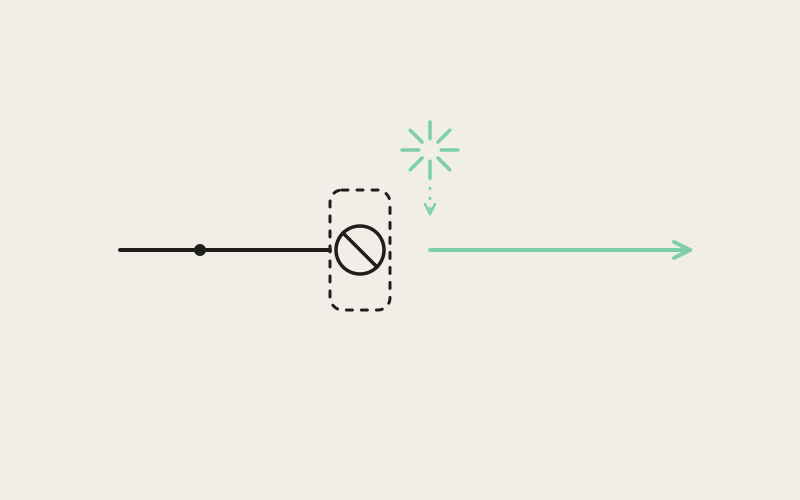
Deny a permission once on most mobile apps and the feature it belonged to just quietly stops working, forever, with no explanation offered and no obvious way back. Influxx Mobile treats a denied microphone or photo-library permission as a temporary state instead of a life sentence — when someone tries to dictate a message or attach a screenshot and the permission isn't there, the app tells them exactly what happened and gives them a direct path to fix it, right at the moment it matters.
The Bad Default Almost Every App Ships
The standard mobile permission flow has a well-known failure built into it. An app asks for a permission once, usually on first launch or the first time a related feature is touched, and if the answer is no, that's typically the last the app ever asks. From that point on, the feature tied to that permission just doesn't work, and most apps don't bother explaining why. Tap the microphone button, nothing happens. Try to attach a photo, nothing happens, or worse, a generic error that doesn't mention permissions at all.
That failure mode is common enough that most people have learned to work around it without even realizing that's what they're doing — quietly giving up on a feature, assuming it's broken or unfinished, and never circling back to figure out why. Which is a strange outcome, because the actual fix is usually one settings toggle away. The problem was never that the feature was broken. It's that nothing in the app told the person there was a fix, or where to find it.
We didn't want that failure mode anywhere in Influxx Mobile, and voice dictation and photo attachments are exactly the kind of feature where it tends to show up, because both depend on a system permission that's genuinely easy to deny by accident on first launch, before someone has any context for why the app wants it.
Not Now Versus Open Settings: Prompting at the Moment It Matters
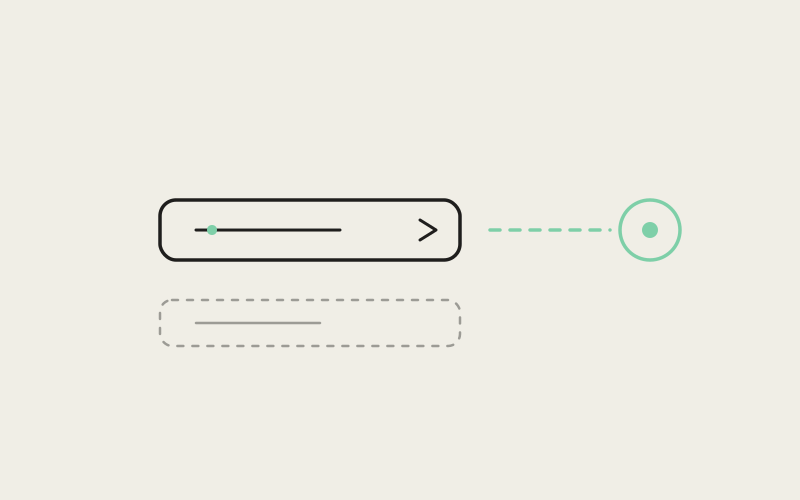
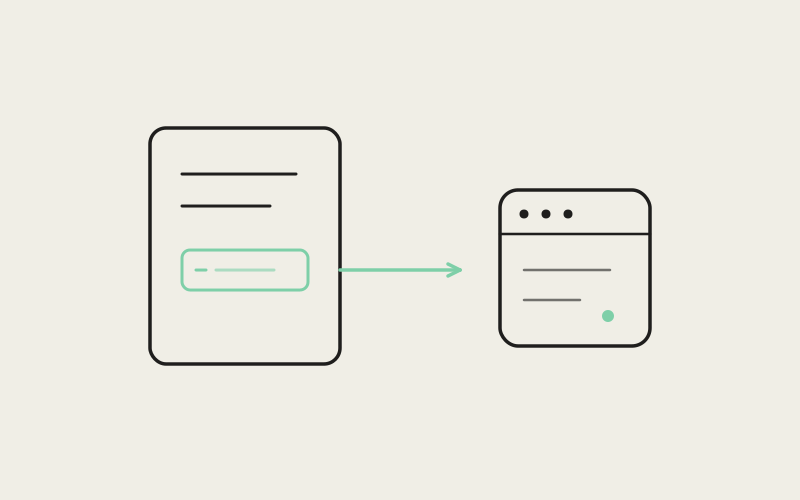
The pattern we built is simple to describe and easy to underrate: when someone taps something that needs a permission they've previously denied, the app shows a clear prompt right then, explaining what's needed and why, with two honest options — dismiss it for now, or go straight to the settings screen where the permission can be re-enabled. No guessing which settings screen, no hunting through a general app-permissions list on your own.
The timing is the entire design decision here, more than the wording or the visual treatment of the prompt itself. A permission request means something completely different depending on when it shows up. Asked at the exact moment someone tries to dictate a message, "we need microphone access to do this" is self-evidently true and easy to say yes to, because the cause and the desired effect are sitting right next to each other. Asked as a generic nag on app launch, with no feature actively being attempted, the same request reads as the app fishing for access it hasn't earned the context for yet, and it gets dismissed on reflex far more often.
Why We Didn't Build a Generic Settings Nag
The easy version of this feature is a banner that shows up somewhere on launch: "Enable microphone access in Settings." We considered it and rejected it, because a standing nag disconnected from any specific action doesn't actually help anyone — it just adds one more piece of chrome people learn to ignore, the same way people learn to dismiss cookie banners without reading them. A prompt tied to a specific, just-attempted action carries context a generic reminder never can: you know exactly why it's asking, because you were, a second ago, trying to do the thing it's asking permission for.
That's also why the prompt offers a real "Not Now" rather than forcing a decision. Someone might genuinely not want to grant microphone access today, for reasons that have nothing to do with the app being broken — maybe they're in a meeting, maybe they just don't want to think about it right now. Respecting that, and simply asking again the next time they try to use the feature, is a better long-term relationship with the permission than pushing hard for an answer in a moment they didn't choose.
"The technical part of this is almost trivial — checking a permission's current status and routing to the right settings destination isn't hard engineering. The actual design work was deciding exactly when to interrupt someone with that prompt, and deciding that 'right when they tried to use the feature' was the only timing that respects both their attention and their reasons for saying no the first time."
— Sofia Marchetti, Desktop Platform Engineer, Influxx
Why This Matters for Trust, Not Just Convenience
A silently broken feature costs an app more than the one interaction where it failed. It teaches someone, correctly or not, that the app has bugs in areas they'll now be a little more cautious about trusting elsewhere. Nobody enjoys feeling like software is broken, and the honest truth — that it's a permission they themselves denied, recoverable in a few taps — gets lost entirely if the app never says so. A clear, well-timed recovery prompt replaces that quiet erosion of trust with the much smaller, much more forgettable experience of tapping one button and having the feature just work.
There's also a fairness dimension worth naming directly. Denying a permission on first launch is often not really a considered decision — it's a reflexive tap on an unfamiliar dialog before someone has any context for why an app wants microphone or photo access. Treating that reflexive "no" as final, forever, punishes people for a decision they made before they had enough information to make it well. Giving them a clear, low-friction way to revisit that decision once they actually understand why the permission matters is simply fairer to how people actually behave the first time they open an app.
"I denied the microphone prompt on my first day using the app without really thinking about it — you do that with every app, reflexively. Weeks later I tried to dictate a note and instead of nothing happening, it just told me plainly what was going on and took me straight to the right settings toggle. Took maybe five seconds. I've had other apps where I never figured out why a feature quietly didn't work and eventually just assumed it was buggy."
— Lena Ostrowski, product manager, Influxx user
The App Store Review Angle
There's a practical benefit here too, beyond user trust: app store reviewers test permission flows specifically, and a feature that fails silently after a denied permission is exactly the kind of thing that reads as a bug during review, even when it's technically working as designed. A clear, well-explained recovery path demonstrates that the app is handling a denied permission intentionally rather than leaving a dead end in the experience. It's a case where doing right by the person using the app and doing right by the review process point in the same direction, rather than pulling against each other.
Treating Denial as Temporary, Not Permanent
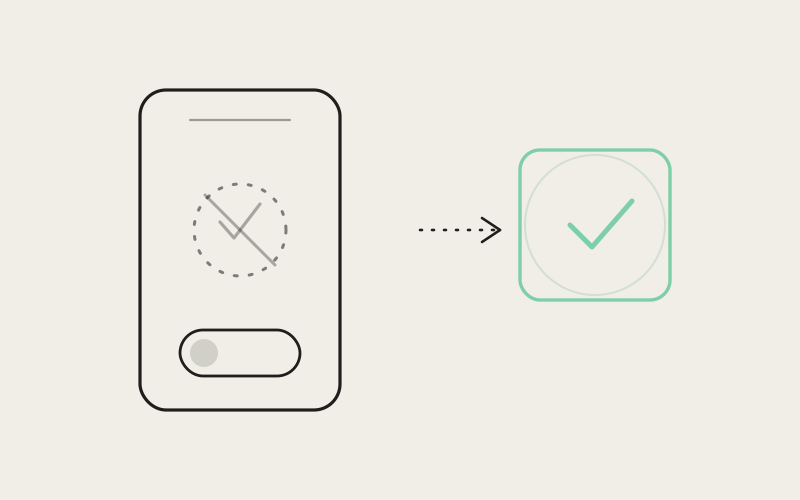
The underlying principle here generalizes past microphone and photo access specifically: a permission denial is a snapshot of one decision at one moment, not a permanent verdict on whether someone wants a feature. Circumstances change. Context changes. Someone who declined photo access before they ever intended to attach a screenshot to an agent conversation might feel completely differently about it the moment they actually want to send one. The product's job is to make that change of mind cheap and clear to act on, not to treat the first "no" as the last word.
That principle is also why the recovery prompt only appears when it's actually relevant — attached to the specific action that needs the permission — rather than as a standing reminder that follows someone around the app. A permission recovery flow that respects someone's attention earns the right to ask again; one that nags constantly mostly just teaches people to dismiss it without reading it, which defeats the purpose entirely.
"Every permission dialog is a small trust transaction, and most apps only get one attempt at it before giving up entirely. We'd rather treat every one of those moments as recoverable — ask again, but only when it's genuinely relevant, and always with a real, honest reason attached. That's a small design choice with an outsized effect on whether people trust the rest of the app."
— Renata Silva, Head of Trust & Privacy, ETAPX
What the Prompt Itself Actually Says
Getting the timing right solves half the problem. The other half is what the prompt actually says once it appears, and it's easy to get that part wrong even with perfect timing. A vague message — something like a generic "permission required" — leaves someone to guess why, and guessing is exactly the friction a recovery flow is supposed to remove. The prompt names the specific feature that triggered it and the specific permission it needs, in plain language, so there's no gap between "why am I seeing this" and "oh, right, that makes sense."
The two buttons matter just as much as the copy above them. "Not Now" has to actually mean not now — dismissing it can't feel like a dead end either, or you've just moved the same problem one screen deeper. "Open Settings" has to land on the specific screen for that permission, not a general settings home screen that makes someone hunt for the right toggle themselves. Both sound like small details. Both are the difference between a recovery flow people actually use and one they learn to dismiss without reading, the same way they've learned to dismiss everything else that interrupts them without offering anything useful in return.
We also treat the two features differently in small ways that reflect how people actually use them. Voice dictation is often reached for in a hurry — mid-task, hands busy, wanting a fast fallback to typing — so its recovery prompt is written to get out of the way quickly if the answer is no. Photo attachments are usually more deliberate — someone specifically wants to hand a screenshot or a photo to an agent — so there's a little more room to explain why the access is useful before offering the same two paths forward. Neither treatment is dramatic. Both come from actually thinking about the moment each permission gets asked for, rather than reusing one generic prompt for every feature that happens to need system access.
A Real Limitation Worth Naming
This pattern isn't a workaround for how mobile operating systems handle permissions — it works within those rules, not around them. iOS, in particular, restricts how many times an app is allowed to show its own native permission prompt before requiring a trip to the system settings screen instead. Once someone has denied a permission through that native dialog, Influxx Mobile can't simply ask again the same way; it can only explain the situation clearly and hand them a direct link to the right settings screen, the same as any other app has to. The improvement here is entirely about clarity, timing, and never leaving someone stuck without explanation — not about getting around a platform limit that exists for good reasons. That's a real constraint, and it's one every app on these platforms lives with, not something specific to us.
Frequently Asked Questions
What happens if I deny microphone or photo access when Influxx Mobile first asks?
Nothing breaks silently. The next time you try to use voice dictation or attach a photo, the app shows a clear prompt explaining that the permission is needed, with an option to open the relevant settings screen directly or dismiss it and continue without granting access.
Can I re-enable a permission I denied without digging through my phone's general settings menu?
Yes. The recovery prompt links directly to the specific settings screen for that permission, so you don't need to search through a general permissions list to find the right toggle.
Will the app keep asking me for the same permission over and over?
It asks again only when you try to use a feature that specifically needs that permission — not as a standing reminder or a nag on every app launch. If you dismiss the prompt, the app respects that and simply asks again the next time it's actually relevant.
Why do some apps' features just silently stop working after a permission is denied?
Most apps only prompt for a permission once, typically on first use, and never explain what happened if it's denied. The feature then fails quietly because nothing in the app checks the permission's status at the moment it's needed and explains the situation. That's the specific failure mode we built this recovery flow to avoid.
Does this permission recovery pattern apply to more than the microphone and photo library?
The specific flow described here covers microphone access for voice dictation and photo-library access for attachments, but the underlying design principle — prompt at the moment of relevant use, with a clear path back — is the standard we apply to permission handling generally in the app.
Is there a limit to how many times I can be asked for a permission on iOS?
Yes, this is a platform rule, not an app-specific one. iOS limits how many times an app's own native permission dialog can appear before requiring a visit to system settings instead. Influxx Mobile's recovery prompt works within that limit by explaining the situation and linking directly to settings once the native prompt is no longer available.
Does granting a permission through this recovery flow work differently than granting it the first time I open the app?
No. Once the permission is granted, whether it happened on first launch or through a later recovery prompt, the feature behaves identically. The recovery flow only changes how you get to that settings toggle, not what happens once you've flipped it.
A denied permission is one of the smallest, most common dead ends in mobile software, and most apps never bother fixing it because it's easy to write off as an edge case. It isn't. It's a moment where someone tried to do something, hit a wall, and got no explanation — and multiplied across every app on someone's phone, that's a real, cumulative source of quiet distrust in software generally. Treating a denial as recoverable, and saying so clearly at the exact moment it matters, is a small piece of engineering with a much bigger effect on whether people actually trust what's in their pocket.