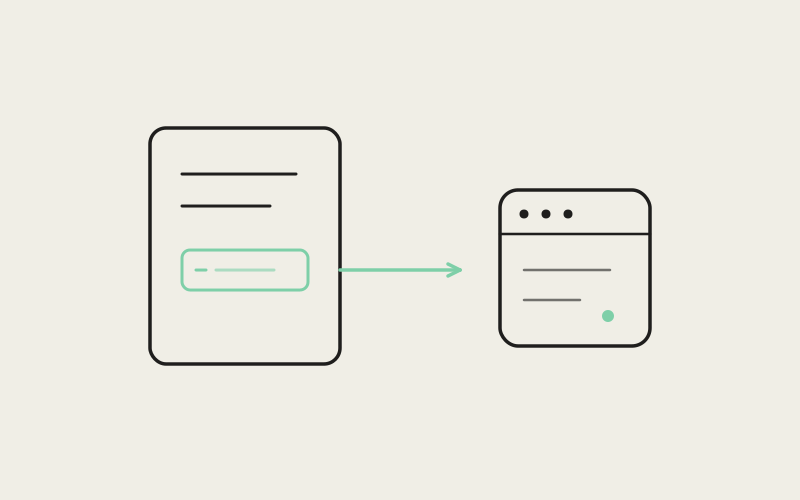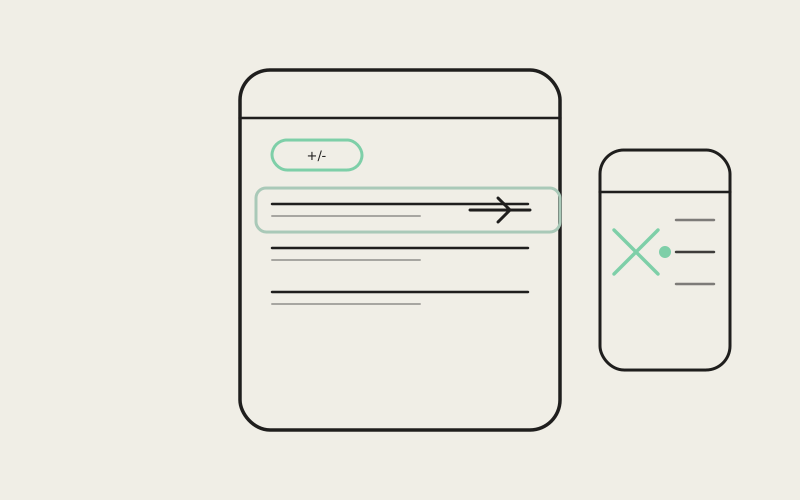
Above the chat composer in Influxx Mobile's native-chat view sits a small pill showing a running +/− line count — the churn an agent has produced in your working tree since it started. Influxx Mobile 1.2 turns that pill into an actual entry point for review: tap it, and a sheet opens listing every file the agent touched, folded from git's separate staged and unstaged bookkeeping into one row per file. Tap a file in that sheet, and you land in the full review drawer, already scrolled to that exact file — but critically, the review queue underneath you is still the entire changed-file list, not a filtered view of just the one you tapped. Swipe to the next file and you keep walking the whole diff, not a subset scoped to your starting point.
One Chip, Two Numbers, and a Refetch You Don't See
The churn chip lives in MobileNativeChatWorktreeChrome.tsx, styled as diffPill next to the workspace identity pill. It shows +N / −N when there are line changes, or a plain file count when there's diff activity but no rendered line stats yet. What isn't visible is that tapping the pill does two things in the same handler, not one: it bumps a reloadToken state value before it opens the sheet. That token sits in the dependency array of the effect that fetches git.status over RPC, alongside an agentWorking flag — so the same effect that refreshes the churn count at each agent turn boundary also refreshes on every sheet open. The comment in the file is direct about why: "re-read on each turn boundary and on every sheet open, otherwise the churn freezes at mount and never shows what the agent just edited." Without that, the numbers on the pill could go stale the moment an agent kept working after your last glance.
Folding Two Git Areas Into One Row
Git status doesn't think in files — it thinks in entries, and a single file can produce two of them: one for its staged copy, one for its unstaged copy, if you've partially staged an edit. A chat surface showing "what did the agent just change" doesn't want that duplication, so buildNativeChatChangedFiles, in src/shared/native-chat-changed-files.ts, folds entries into a map keyed by path before it ever reaches the sheet component.
Which Version Wins When a File Is Dirty in Both Places
When the fold hits a second entry for a path it's already seen, it doesn't just merge the line counts — it also has to decide which status and area the row should represent, since a file that's staged and further edited afterward has two different diffs attached to the same path. That decision runs through a small priority table:
unstaged: 0untracked: 1staged: 2
Lower wins. So a file dirty in both the staged and unstaged areas resolves to its unstaged version — the code comment states the reasoning plainly: "a path dirty in both areas opens on its working-tree diff, since that is the edit the agent just made; staged-only files fall back to their own area." In an agent-driven workflow, the working-tree copy is almost always the more recent one — an agent that staged a change and then kept iterating has left its freshest work unstaged, and that's the version worth showing.
The resulting rows aren't sorted alphabetically by default, either — they're sorted by total churn, added + removed, descending, with path as a numeric-aware tiebreaker. The file the agent touched hardest floats to the top of the sheet.
"Git's staged/unstaged split is correct for the index, but it's the wrong mental model for 'what did the agent do in this turn.' Folding those two lines into one row, keyed by path, with a documented tiebreak — that's a small function, but it's the piece that keeps the sheet from showing the same filename twice with two different diffs next to it."
— Renata Souza, Mobile Platform Engineer, Influxx
The Sheet Itself: A Flat List, Not a Tree
MobileNativeChatChangedFilesSheet.tsx renders the folded list as a bottom sheet: a header with the total file count and aggregate +/−, then one row per file with a single-letter status badge, the file name, its parent directory truncated from the front (ellipsizeMode="head", so long paths lose their prefix, not their filename), and per-file added/removed counts. There's no folder tree to expand — for a phone-sized screen showing what one agent turn touched, a flat, churn-sorted list scans faster than a directory hierarchy would. Tapping any row calls a single onSelect callback with the folded file object — area, path, status, and line counts all traveling together as one unit.
Landing on the File Without Narrowing the Queue
This is the part of the mechanism that's easy to get wrong, and Influxx Mobile's implementation is explicit about avoiding the obvious mistake. When you tap a file in the sheet, it doesn't open a single-file diff view. It builds a route into the same review drawer used for full-worktree review, via buildMobileReviewFileRoute in mobile-review-route.ts. That function sets three query parameters — file, area, and scope — and the value it always assigns to scope is 'all', never a filtered value derived from the tapped file. The code comment says exactly why: "open the tapped file first (via file/area) while keeping the full changed-file queue so next/previous still walks every file — scope is the queue filter, not the position, so it stays 'all'."
Position and Scope Are Two Different Variables
Inside use-mobile-diff-review-controller.ts, that distinction plays out as two separate pieces of state. filter controls which files are in the review queue at all — and it's seeded from initialFilter, which the tapped-file route leaves at all. currentIndex controls where you start inside that queue, and it's the one thing the tapped file actually changes. A dedicated effect watches for the queue to finish loading — review data arrives asynchronously over RPC — and only then calls findMobileDiffReviewInitialIndex(filteredQueue, initialTarget) to resolve the tapped file's position, guarded by a ref so it fires exactly once per navigation. The comment attached to that effect is blunt about the ordering hazard it's avoiding: "review data loads asynchronously; seed the tapped file only after the first real queue exists so the clamp effect cannot reset it back to zero."
findMobileDiffReviewInitialIndex, in mobile-diff-review-positioning.ts, matches the tapped file by comparing area and path (and falls back to a file's old path for renames) against every item already in the loaded queue, and simply returns 0 — the top of the full list — if nothing matches. There's no separate code path for "review just this file"; there's exactly one review queue, and tapping a file only ever changes where in that queue you start reading.
"I tap the biggest diff in the sheet because that's usually where I want to start, and then I just keep swiping right through everything else the agent touched without going back out to a file list. That's the part that makes it feel like reviewing a PR instead of poking at files one at a time."
— Owen Kwan, mobile engineer, reviews PRs from his phone on his commute
Why This Matters More on a Phone Than a Laptop
On a desktop diff viewer, jumping between an entry point and a full review queue barely matters — you have a sidebar, a file tree, a mouse. On a phone, the review surface is one screen at a time, and re-entering a file picker after every file would turn reviewing five changed files into five separate round trips through a list. Seeding the position while keeping the queue whole means the changed-files sheet functions as a launch point into review, not a boundary around it — you can start anywhere and still read straight through everything, which is closer to how reviewing a pull request actually works than how browsing a file tree does.
"The naive version of this is to open a single-file view when someone taps a file from that sheet — it's less code, and it seems like exactly what the user asked for. It's also the wrong behavior the moment they want to see what else changed, because now they're back out at a list, tapping again. Keeping the queue at 'all' scope while seeding the starting position is the detail that makes this feel like one continuous review, not a series of individual file lookups."
— Sofia Lindqvist, VP of Product, Influxx
Frequently Asked Questions
Does tapping a file in the changed-files sheet filter the review queue down to just that file?
No. The route it builds always sets scope=all; only the starting position in the queue changes, not which files are in it.
If a file is both staged and further edited, which version shows up in the sheet?
The unstaged, working-tree version. The fold logic's area-priority table ranks unstaged above untracked and staged, on the reasoning that the unstaged copy is the agent's most recent edit.
Does the churn pill's line count update live while the agent is working, or only when I open the sheet?
Both. The underlying git.status fetch is tied to agent turn boundaries and to the sheet's open action, so the count refreshes on each turn and again whenever you tap the pill.
Is the changed-files sheet sorted alphabetically or by folder?
Neither — it's a flat list sorted by total line churn (added plus removed) per file, descending, with path used only as a tiebreaker.
What happens if I tap a file and the review queue hasn't finished loading yet?
The seeding effect waits for the first real queue to arrive before resolving your position, specifically so an empty or partial queue can't reset the intended file back to the top.
What if the tapped file can't be found in the loaded queue at all?
The position-finding function falls back to index 0 — you land at the top of the full changed-file list instead of hitting an error.
Can I browse files that the agent didn't change, not just the ones in the diff pill?
Yes, but through a different entry point — the worktree chrome has a separate "browse files" action for the whole repository; the diff pill and its sheet only cover files with actual changes.
It would have been simpler to make the changed-files sheet open a single-file view and call it done — fewer states, less to reason about. Instead the position you land on and the scope of what you're reviewing were kept as two separate variables, which is the reason tapping a file feels like starting a review instead of just previewing one.