A push notification that says your agent finished a task is only useful if tapping it takes you to that task. Influxx Mobile 1.2 rebuilt how notification taps resolve to a screen, and separately tightened how the "Create PR" action in the mobile source-control panel hands off to a view where the pull request is actually visible. Neither change is exotic — the interesting part is being honest about what the routing logic can and can't guarantee, which is exactly what the code itself does.
The Payload Problem: A Push Doesn't Know Your Phone's Local Names
Influxx Mobile pairs with one or more desktops, and each pairing gets a locally-minted hostId that only exists on the phone. A push notification, by contrast, is composed on a server and delivered over APNs — it has no way to know what local id your phone assigned to the desktop that triggered it. So remote pushes carry the desktop's E2EE public key instead, and the phone has to map that key back to a local hostId before it can navigate anywhere. Local, socket-delivered notifications don't have this problem — they're built directly with buildLocalNotificationData, which already has the phone's own hostId on hand.
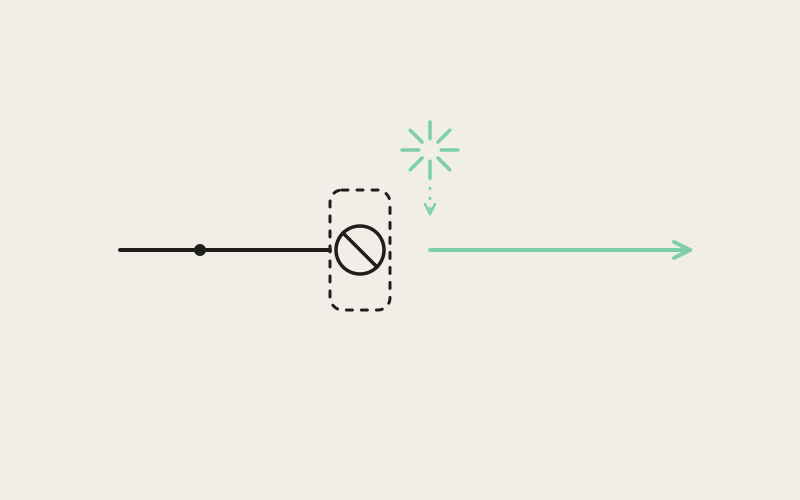
That resolution step lives in resolveHostId, in mobile/src/notifications/notification-routing.ts. It tries the direct hostId field first; if that's absent, it looks up the payload's hostKey in a map built by buildHostIdByKey. That map deliberately keeps the most-recently-connected host for any key that's shared by more than one paired entry — the code comment explains why: re-pairing the same desktop mints a new hostId but reuses the same stored keypair, so naively letting the last-built map entry win could route a fresh notification to a stale, no-longer-valid pairing. If the key doesn't match anything the phone recognizes, the function returns null rather than guessing — the comment is explicit that an unrecognized key means "a desktop this phone isn't paired with," and it never picks a different host to compensate. As a last resort, if there's exactly one paired host and neither the direct id nor the key resolves, it falls back to that single host, on the reasoning that a solo pairing has nowhere else to route to.
From a Resolved Host to an Actual Screen
Once a hostId is resolved, getNotificationNavigationTarget decides where to go: if the payload also carries a worktreeId, the target is the specific session screen for that worktree; if not, it's just the host's home screen. This is a small but real distinction worth naming plainly — a notification about a specific agent run drops you into that run's session, not into a generic "here's your desktop" landing page. That target then gets handed to React Navigation directly, by screen name, through a small ref rather than a path string — a comment in the routing module notes that a path-based version of the same function still exists for an older router, but the live app resolves targets by screen name.
Influxx Mobile 1.2 is the name for this whole wave of changes, and one detail in this file is a useful window into how it shipped: a comment at the top of use-notification-navigation.ts states outright that an older copy of this same routing logic, sitting in mobile/app/_layout.tsx, is dead code — the app's real entry point moved to a bare React Navigation tree, and nothing under the old file-based router runs unless it's explicitly imported as a screen component elsewhere. It's a small, honest piece of the codebase's own history: the routing logic that matters today isn't the first place you'd think to look for it.
Cold Start, Warm Taps, and Not Double-Firing
A notification can be tapped two different ways: while the app is already running, or as the very action that launches it from a cold start. The hook handles both — a live listener via addNotificationResponseReceivedListener for the warm case, and a one-time replay of Notifications.getLastNotificationResponse() on mount for the cold-start case, since that's the tap that actually launched the process and would otherwise be lost. Both paths converge on the same handler, which dedupes by the notification's own identifier using a capped set — bounded at 256 entries — so a long-running session's memory of handled notifications can't grow without limit, and the same tap can't accidentally trigger two navigations.
"The honest failure mode here is a router that isn't ready yet. If the navigation ref isn't attached — which can happen for a sliver of time right at cold start — the handler just returns. There's no retry, no queue holding the intent for later. We chose that over building a queueing system because the alternative, silently re-firing navigation events after the fact, has its own set of bugs that are worse to debug than 'notification tap did nothing on a very fast double-tap during launch.'"
— Yuki Tanabe, Mobile Infrastructure Engineer, Influxx
What the Router Doesn't Check
It's worth being precise about the limits here, because it would be easy to overstate them. The routing function does check that a resolved hostId is one the phone currently knows about — if a caller supplies the set of currently-paired host ids and the resolved host isn't in it, navigation is refused outright rather than sending the user to a host that no longer exists. What it does not do is verify that a specific worktreeId still exists on the desktop. A worktreeId pulled from a payload is passed straight into the session-screen route; if that worktree was deleted or the session ended between when the push was sent and when it was tapped, the routing layer itself won't catch that — whatever the session screen does when it loads a stale worktree id is a separate concern from notification routing. That's a real, current boundary of what this code guarantees, not an oversight worth glossing over.
A Second, Quieter Use of the Same Payload
The same resolved target also feeds something that has nothing to do with tapping: when an agent-task-complete push arrives while the app is in the background, a separate listener uses it to update an iOS Live Activity card, building a deep link in the form influxx://session/{hostId}/{worktreeId} (or a bare root link if no target resolves) purely as data attached to that card. A comment in the code puts the reasoning plainly: a Live Activity without a resolvable deep link is still better than no Live Activity at all, so the card renders either way — it just links deeper when it can.
"I run three different agents across two machines most days, and before this I'd get a push, tap it, and land on whatever host screen was already open — then have to hunt for the right session myself. Now it actually opens the one that finished. Sounds small until you're doing it fifteen times a day."
— Priya Nandakumar, freelance backend consultant, Influxx user
Create PR: Handoff, Not Just Navigation
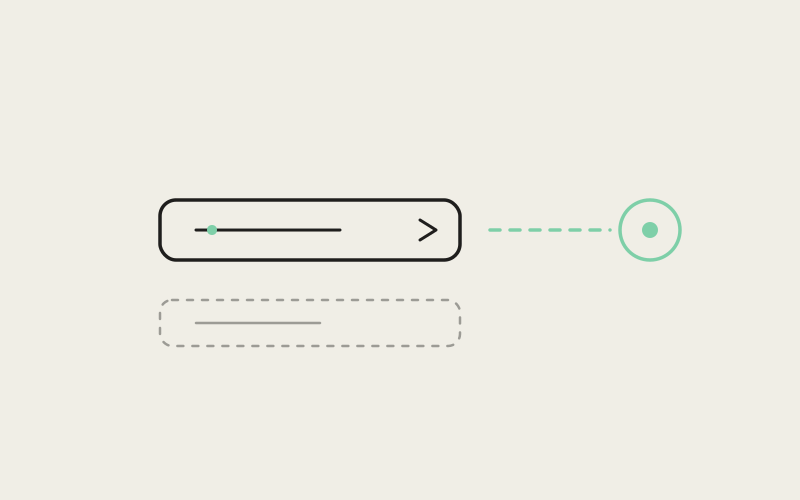
Tapping Create PR in the mobile chat's context strip triggers handleNativeChatCreatePr, in the session screen. It does two distinct things, and the order matters. First, it calls requestMobileSourceControlCreatePr(worktreeId) — a small one-shot module in mobile/src/source-control/mobile-pending-create-pr.ts that stores a pending worktree id and notifies subscribers, rather than trying to trigger PR creation directly from the chat chrome. The comment on the handler explains why: the Source Control panel owns the actual create/push-create logic and needs to wait until eligibility checks are ready before firing it, so the chat chrome only requests — it doesn't run the creation itself.
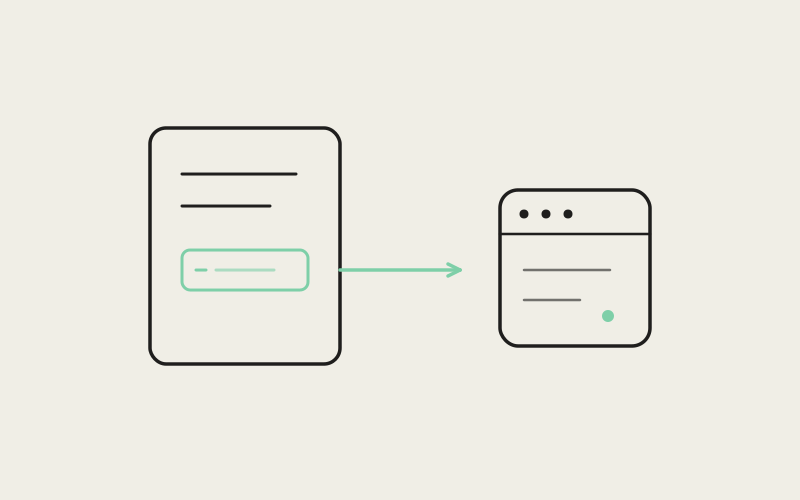
Second, it decides how to get the user to that panel, and the answer depends on screen size. On a wide layout — determined by canDockSessionPanel, which checks that the layout is wide enough and there's enough width left over for the panel plus a minimum main-content width — it docks the Source Control panel in place with setActivePanel('sourceControl'), no navigation at all. On a narrower layout, it pushes an actual route, built from panelRouteDescriptor('sourceControl'), carrying origin: 'session' alongside the host, worktree, and name. Both paths land on the Source Control surface specifically — not a PR-only view — because the create action lives on the Changes tab, and mounting the full panel is what lets the pending create-intent listener actually pick up the request and run it.
"The failure mode we were fixing wasn't 'the button doesn't work' — it was 'the button works, but sometimes you end up staring at a panel that doesn't know it's supposed to be doing anything.' Splitting the request from the execution, so the chat chrome hands off a token instead of trying to drive the whole flow itself, was what closed that gap. It's a small pattern, but it's the same pattern you want anywhere one part of the UI wants to kick off work that a different part of the UI actually owns."
— Marcus Idehen, Director of Product Engineering, ETAPX
Why Not Just Always Push a Route
It would have been simpler to make Create PR always navigate, regardless of screen size. Influxx didn't, because on a wide layout the session and the Source Control panel are meant to sit side by side — pushing a full route replacement there would mean losing the session view entirely just to see a PR, which defeats the point of having a dockable panel in the first place. Keeping the docking decision in one small, testable function (canDockSessionPanel) rather than scattering width checks across every call site is what makes it possible to reason about which of the two paths actually runs for a given device and orientation.
Frequently Asked Questions
If I tap a notification about an agent that finished on a desktop I've since unpaired, what happens?
Nothing navigates. When the resolved host id isn't in the set of currently known/paired hosts, getNotificationNavigationTarget returns null rather than routing anywhere.
Does the app verify the worktree from a notification still exists before navigating to it?
No. The routing logic checks that the host is still known, but it passes a notification's worktreeId straight into the session route without confirming that worktree is still present on the desktop.
What happens if I tap a notification the instant the app launches, before the navigator is ready?
If the navigation ref isn't attached yet, the handler simply returns without navigating and without retrying later — there's no queueing of the intent for a router that isn't ready.
Can tapping the same notification twice trigger two navigations?
No. Each handled notification's identifier is added to a capped dedupe set (256 entries) the first time it's processed, so a repeat delivery of the same response is skipped.
Does Create PR immediately create the pull request when I tap it?
No. It only requests creation via a one-shot pending-worktree token; the actual create or push-create logic runs inside the Source Control panel once it mounts and its eligibility checks are ready.
Why does Create PR sometimes stay on the same screen and sometimes navigate to a new one?
It depends on whether the current layout is wide enough to dock the Source Control panel alongside the session (per canDockSessionPanel). Wide layouts dock the panel in place; narrower layouts push a dedicated route instead.
Is the notification-routing logic shared with the old expo-router file structure under mobile/app/?
Only partially, and only incidentally. Files under mobile/app/ are still used as screen components imported directly by the real navigation tree, but a separate, now-inactive copy of notification-routing logic that used to live in mobile/app/_layout.tsx is explicitly dead code per a comment in the current implementation.
The theme running through both of these changes is the same: resolve what you can prove, refuse to guess at the rest, and say so in the code rather than papering over the gap. A notification that can't confidently name a host doesn't send you anywhere. A create-PR tap that can't yet fire safely hands off a token instead of pretending it already finished. Neither is a dramatic engineering story, and that's rather the point — the best routing code is the kind you stop thinking about because it quietly does the right thing, or quietly does nothing at all.