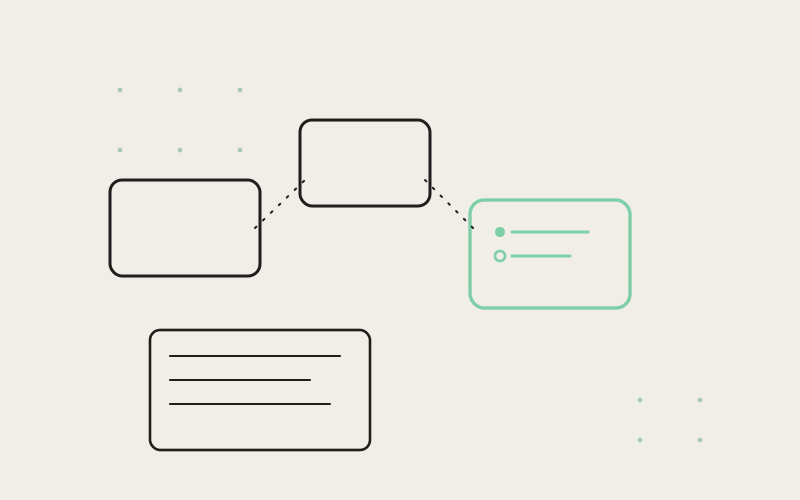
Most note-taking tools ask you to decide, before you've written a word, which document this thought belongs to. Influxx's notes surface refuses to ask that question. It's an infinite canvas that lives right next to your terminals, where fragments of a plan can sit near each other, drift apart, or merge into something coherent — and where a markdown checklist can stop being a to-do list and start being a task an agent actually runs. We call it edgeless, and building it meant rethinking what a "note" is for an engineer in the middle of planning real work.
The Problem With Planning Inside a List
Sidebar-list note apps are built around a single, unquestioned assumption: that every thought belongs to exactly one document, and every document lives at exactly one position in a folder hierarchy. That model is fine for writing a single self-contained document. It's a poor fit for the way planning actually happens when you're figuring out how to approach a piece of engineering work, because planning rarely arrives as one clean document. It arrives as fragments — a rough sketch of an approach, a list of open questions, a separate note about a risk you noticed, a half-formed alternative you don't want to lose but also don't want mixed into the main plan yet.
A rigid, one-document-at-a-time hierarchy forces you to prematurely decide how those fragments relate to each other. Do they go in the same document, in separate documents, in a folder together? You end up making structural decisions about organization before you've made the actual decisions about the plan, which is backwards, and it's a big part of why planning documents in traditional note apps so often turn into a single long document with headers bolted on after the fact rather than something that reflects how the thinking actually happened.
Why a Canvas Matches How Engineers Actually Think Through a Plan
An infinite canvas removes the premature-structure problem because position and space carry meaning without forcing a decision. Two notes sitting near each other on the canvas read as related without either one having to be nested inside the other. A note pulled off to the side reads as tentative, or parked, without needing a status field to say so. You can spread five different fragments of an approach across the canvas, look at all of them at once, and only decide how they cohere into a single plan once you've actually seen them next to each other — which is closer to how the thinking happens in the first place than forcing early commitment to one document ever was.
That spatial relationship is the actual product here, not a visual flourish. A sidebar list can show you that two documents exist. It can't show you that they're two halves of the same idea, or that one is a fallback for the other, or that three small notes are actually converging toward one bigger plan. An infinite canvas can show all of that just by where things sit relative to each other, at a glance, without anyone writing a sentence to explain the relationship.
Working on Several Fragments Before They Cohere
In practice this shows up as a very specific and very common planning pattern: you open a blank spot on the canvas, jot a rough note, open another blank spot nearby for a related but distinct thought, and keep going until you have several loosely-connected fragments in view at once. Only later, once the shape of the plan is actually clear, do those fragments get consolidated into the checklist that becomes the real plan of record. A rigid document model forces you to guess that structure on note one. A canvas lets the structure emerge from note five, six, and seven, once you can actually see them together.
"We kept watching people plan real engineering work by opening a dozen tiny scratch documents in whatever note app they had, because a single document couldn't hold the mess of half-formed ideas they actually had. That's not a documents problem, it's a canvas problem wearing a documents costume. Once we gave people actual space instead of a list, the dozen scratch documents collapsed into one canvas with a dozen notes on it, and you could finally see how they related to each other instead of guessing from filenames."
— Devon Okafor, Design Systems Lead, Influxx
Turning a Checklist Into Something an Agent Can Run
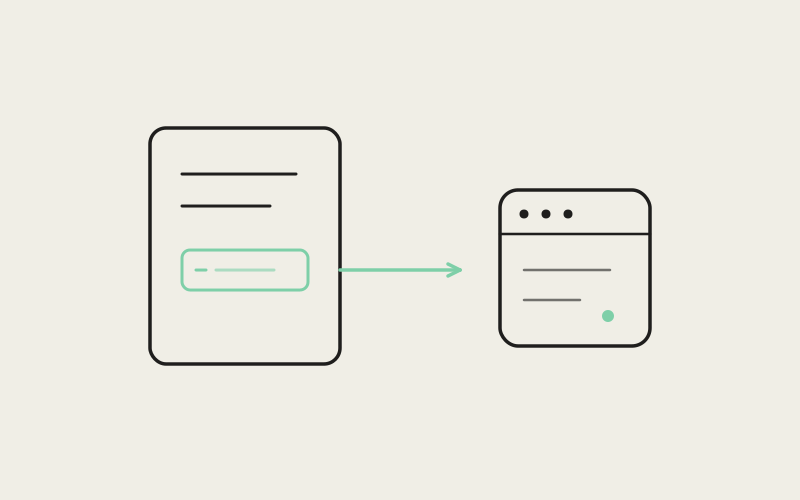
The canvas alone would be a meaningfully better place to plan. The part that changes what a note actually is comes from a single interaction: run this note. Write a markdown checklist describing a piece of work — the steps, the constraints, the order things need to happen in — and instead of that checklist sitting there as a passive record of intent, you can hand it directly to an agent and watch it start working through the list, checking items off as it completes them.
That collapses a gap that exists in almost every other planning tool: the gap between writing down what you intend to do and actually doing it. Normally a checklist is a document you refer back to while doing the work somewhere else — a terminal, an editor, a ticket tracker. Here the checklist is the work order itself. You're not translating a plan into instructions for an agent in a separate step; the plan already is the instructions, written in the same markdown you'd have written it in anyway, sitting on the same canvas where you worked out the rest of the plan next to it.
The checking-off part matters more than it sounds like it should. Watching items resolve one at a time, in place, on the same note you wrote, keeps you oriented in exactly the way a separate task-tracking view doesn't — you don't have to context-switch to a different surface to know how far along the work actually is, and if the agent gets stuck on a specific item, that item is sitting right where you wrote it, in the context you wrote it in, not buried in a log somewhere else.
Notes Next to Terminals, Not a Separate App Away From Them
None of this would matter much if the canvas lived in its own separate application that you had to alt-tab to every time you wanted to check a plan against what was actually happening in a terminal. Influxx keeps notes inside the same window as the terminal sessions they describe. A plan and the work executing that plan are one alt-tab away from being two disconnected mental contexts; keeping them in the same cockpit means the plan is always one glance away from the sessions actually doing the work it describes, and the sessions are always one glance away from the plan that's supposed to be guiding them.
That proximity is also what makes running a note directly meaningful rather than gimmicky. If notes lived in a separate app with no relationship to the terminals doing real work, "run this note" would just be an odd feature bolted onto a writing tool. Because notes and terminals share the same window and the same underlying session infrastructure, running a note is really just handing a plan you already wrote, in the place you already wrote it, straight to the same kind of agent session you'd otherwise start by hand.
"I manage a twelve-person team and I used to keep sprint planning in one tool, scratch notes in another, and the actual terminal work happening in a third. Nothing talked to anything else. Now I sketch the plan for a piece of work as a checklist right next to the terminal panes for that repo, and when it's ready I just run it. Watching the checklist tick off items while I'm still looking at the same note I wrote it in is the closest I've gotten to planning and doing feeling like the same activity instead of two separate jobs."
— Dana Okonkwo, engineering manager running a 12-person team, Influxx user
The Honest Limitation: An Infinite Canvas Can Become Its Own Kind of Clutter
We'd be overselling this if we didn't say the obvious thing plainly: an infinite canvas has no natural limit, and nothing about "infinite" automatically keeps it tidy. A sidebar list forces some minimal organization on you by construction, whether you like it or not — everything has a name and a place. A canvas doesn't force anything, which is exactly what makes it good for early, unstructured thinking and exactly what makes it risky if you never come back and organize what's on it. Leave a canvas untouched for a few months of daily planning and you can absolutely end up with a sprawling field of notes that's harder to navigate than the rigid list you were trying to escape in the first place.
We thought hard about how much structure to add back in without undermining the actual reason the canvas works. Heavy-handed answers were easy to reject — forced folders or mandatory tagging would just reintroduce the premature-structure problem we built the canvas to avoid. What we landed on instead is lighter-touch: the canvas always scales to fit what's actually on it, so a sprawling set of notes is still visible and navigable at a glance rather than requiring you to pan around blindly looking for something; and grouping and spatial arrangement stay entirely optional rather than required, so tidying is available when you want it without being a tax you pay on every single note. It's a real trade-off, and we don't think it's fully solved — a canvas that's been growing for a year is still going to need a deliberate tidying pass sometimes, the same way a desk does.
"An infinite canvas is not automatically a better product than a sidebar list — it's a different set of trade-offs, and if we pretended otherwise we'd be lying to ourselves. It's better for the specific thing we built it for, which is the messy, exploratory phase of figuring out a plan before that plan has a shape yet. We didn't want to solve the clutter risk by taking away the freedom that makes it useful in the first place. We wanted to solve it by making the mess easy to see and easy to tidy on your own schedule, not on the tool's."
— Marcus Idehen, Director of Product Engineering, ETAPX
What "Edgeless" Actually Signals
The name matters more than it might seem. "Edgeless" isn't describing a visual style — it's describing a claim about what a note is allowed to be next to. In a folder-based tool, a note has hard edges: it belongs to one folder, one project, one place in a hierarchy, and moving it means deliberately deciding to move it. On the canvas, a note's edges are soft. It can sit near one cluster of ideas today and get dragged near a different one tomorrow, without that move meaning anything more formal than "this felt like where it belonged." That softness is the entire point. Planning work is rarely settled from the first sentence, and a tool that assumes it is will always be fighting against how the planning actually happened.
Frequently Asked Questions
What is an infinite canvas for note-taking, and how is it different from a normal notes app?
An infinite canvas is a boundless workspace where notes are placed spatially rather than filed into folders or a linear list. Instead of deciding upfront which document a thought belongs to, you place related fragments near each other and let the structure of a plan emerge from how they're arranged, rather than committing to that structure before you've thought the plan through.
Can you actually run a markdown checklist as an agent task in Influxx?
Yes. Any note written as a markdown task list can be handed directly to an agent, which works through the items and checks them off as it completes them, in place, on the same note. The checklist stops being a passive record and becomes the actual work order.
Do notes in Influxx live in a separate app from the terminal sessions?
No. Notes sit inside the same window as terminal sessions, so a plan and the work executing it are one glance apart rather than a full application switch apart. That proximity is also what makes running a note directly against real work meaningful rather than just a writing-tool feature.
Isn't an infinite canvas just going to turn into clutter over time?
It can, and we say that plainly rather than pretend it can't. An infinite canvas doesn't force any organization on you, which is exactly what makes it good for early, unstructured planning and exactly what makes it a risk if you never come back to tidy it. We keep the canvas scaled to fit what's on it and keep grouping optional rather than mandatory, but a canvas that's grown for a long time will still eventually want a deliberate cleanup pass.
How is planning on a canvas different from just using a bigger document?
A bigger document still forces linear order and a single point of focus. A canvas lets you view multiple fragments of a plan simultaneously and lets their spatial relationship — near each other, far apart, clustered — carry meaning on its own, without writing a sentence to explain how two ideas relate.
Does running a note require the checklist to be formatted in a special way?
It's written in the same markdown you'd use to jot down any task list — no special syntax to memorize beyond standard checklist formatting. The note doesn't need to be prepared differently for an agent to pick it up; the plan you wrote for yourself is the same plan the agent runs.
Who is the edgeless notes canvas actually built for?
Anyone planning engineering work that doesn't arrive as one clean document from the start — which in practice is most real planning. It's aimed at the messy, exploratory phase before a plan has settled into its final shape, whether that's a solo engineer sketching an approach or a manager laying out work across a team.
An infinite canvas isn't a better note-taking tool in the abstract — it's a better fit for a specific, common moment: the point where you know roughly what needs to happen but haven't yet decided how the pieces fit together. Sidebar lists ask you to answer that question before you're ready. The canvas lets you leave it open until the shape of the plan actually reveals itself, and then, with one interaction, lets that plan start executing itself instead of just sitting there describing what someone meant to do.