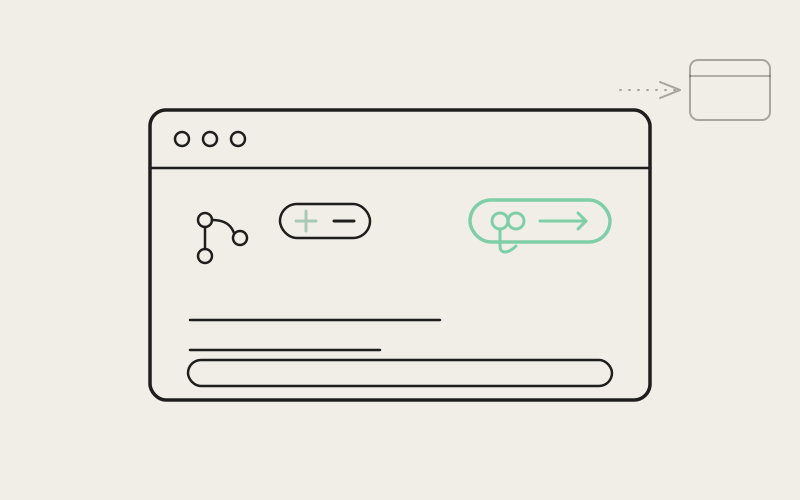
Opening a pull request used to mean leaving whatever tab you were working in, switching to a browser or a separate git client, and losing the thread of the agent conversation that produced the diff in the first place. Influxx 1.2 rebuilds the new-tab surface — the same modal you use to open a terminal, launch an agent, or jump to a file — and pairs it with a context bar that sits directly above the chat composer showing your branch, your diff stats, and a Create PR button that knows whether there's already a review to open. The tab you did the work in is the tab you review it from.
One Modal Has to Do Several Jobs
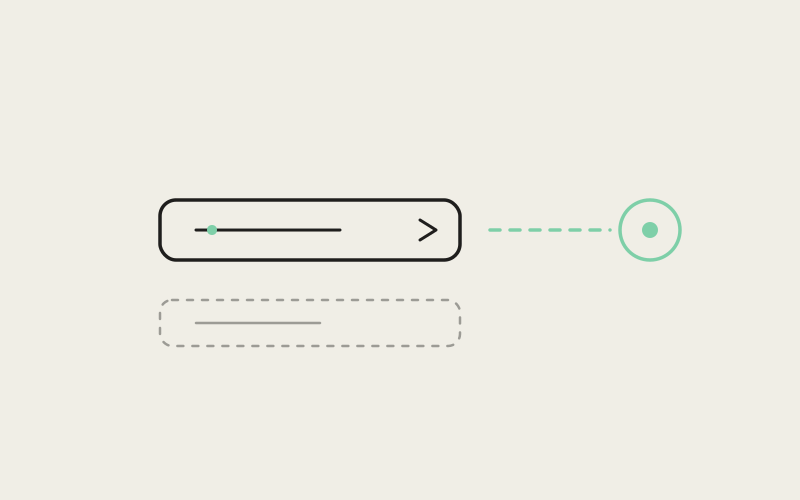
TabBarCreateModal.tsx is Influxx's "new tab" surface — the same CommandDialog shell used by the file-search Quick Open modal, repurposed to combine three different kinds of actions in one searchable list: fixed menu actions like new terminal, agent launch options, and file/URL entry matches. A single query string filters across all three simultaneously, and pressing Enter with nothing typed and nothing selected falls back to opening a default terminal — the same behavior the previous dropdown-based version had, preserved deliberately rather than left to regress during the rebuild.
Filters and Sections, Split by What They Decide
The matching logic and the rendering logic live in separate files, and the split follows what each one is actually responsible for rather than being an arbitrary file-size cut. tab-bar-create-modal-filters.ts holds the pure decision functions — matchTabCreateMenuOptions, matchTabCreateAgentOptions, and matchTabCreateEntryOptions narrow each option group against the current query, and filterTabCreateEntryOptions does one specific piece of query-shaping work: when your search already matches a create-menu action, it drops the generic "create new file" fallback so typing terminal doesn't also surface a spurious "Create file 'terminal'" suggestion. tab-bar-create-modal-sections.tsx holds the rendering for each resulting group — TabBarCreateModalMenuSection, TabBarCreateModalAgentSection, TabBarCreateModalEntrySection, TabBarCreateModalAgentSettingsSection, and a handful of smaller pieces like the empty-state and footer. Filtering decisions and presentation decisions don't share a file, which means changing what counts as a match doesn't require touching how a match gets drawn on screen, and vice versa.
"The old dropdown had grown three or four different 'if we're in this mode, render this instead' branches inside one component, and every new option type made the next one harder to add safely. Splitting the matching functions from the section components wasn't about hitting a line count — it was that 'does this option match the query' and 'how does this option look in the list' are genuinely different questions, and mixing them was exactly what made the old version fragile."
— Priyanka Bhatt, Senior Engineer, Tab Bar at ETAPX
The Chrome Bar That Sits Above the Composer
Once you're in a native chat tab working on a worktree, NativeChatWorktreeChrome.tsx renders a slim bar directly above the message composer — its own comment describes it as a "Cursor/Claude-style worktree context bar." It shows the repo and branch name in a pill on the left, a diff-stats pill in the middle showing added and removed line counts (or a file count when there's no line delta yet), and a Create PR button on the right. Clicking the diff-stats pill opens a popover listing the changed files; selecting one opens it through the exact same openDiff call that Source Control's own file rows use, so the diff you get from the chat tab is identical to the one you'd get from the sidebar — same tab identity, same staged/unstaged source. The pill itself only opens that popover when there are files to show; with no changed files yet, it still renders the diff stats but the trigger is inert rather than opening onto an empty list.
Deciding When "Create PR" Should Actually Do Something
resolveNativeChatCreatePrChromeState is a pure function that turns branch state, hosted-review eligibility, and loading status into exactly what the button should say and whether it should be clickable. If a review already exists for the branch, the button relabels itself to "Open PR" (or "Open MR," depending on the provider) and a click just opens that URL. If there's no branch checked out, or eligibility is still loading, or the repository doesn't support creating a hosted review at all, the button is disabled with a title explaining why. For most other blocked states — a dirty working tree, no upstream, needing a push or sync, needing auth — the button stays enabled on purpose. The code comment is explicit about this: chrome only decides whether a request is useful to make, and defers the actual blocked-state UI to Source Control's own header, which already handles those cases. Only default_branch, detached_head, and an unsupported provider actually disable the button outright.
The button's label isn't hardcoded to "PR" either. It resolves a copy.shortLabel from a localized hosted-review copy lookup keyed on the eligibility or existing-review's provider, which is how the same chrome component says "Create PR" against a GitHub-backed repository and "Create MR" against a GitLab-backed one without a separate component per provider. The title text follows the same provider-aware copy, so a disabled button on a GitLab repo explains itself using "MR" language rather than generic PR wording that wouldn't match what the developer actually sees in their remote.
Reusing Source Control's Own Flow Instead of Building a New One
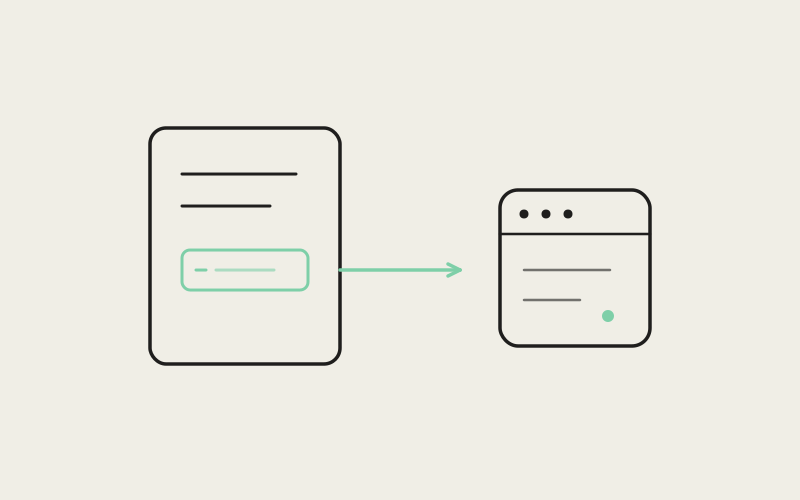
When the button is clickable and there's no existing review to open, clicking it doesn't launch a parallel PR-creation flow scoped to native chat. It calls requestSourceControlCreatePr(worktreeId), which — per the comment beside it — runs the same header create / create-intent path that Source Control's own toolbar button already runs once eligibility is confirmed. The eligibility check itself is fetched using the same git signals Source Control uses: uncommitted-changes state, upstream presence, and ahead/behind counts, polled whenever the branch or those signals change. The chrome bar is a second entry point into one review-creation pipeline, not a second pipeline.
"I mostly live in an agent tab while I'm actually building something, and the part that used to break my focus wasn't writing the PR description, it was the context switch to go find the branch name and check whether I even had a PR yet. Now the branch and diff count are just sitting above where I'm typing, and the button either says Create or Open depending on whether one already exists. Small thing, but I stopped tabbing away to check."
— Owen Faraday, full-stack developer at a healthtech startup, Influxx user
What This Doesn't Do
It's worth being precise about what actually changed here, because it isn't a one-click PR pipeline that skips review entirely. Opening a PR from a native chat tab is still: check that a branch is checked out, wait for eligibility to resolve, click Create PR, and — if the branch is dirty or unpushed — get routed into Source Control's existing create-intent flow to finish the preconditions the same way you would from the sidebar. What actually collapsed is the number of tabs and surfaces involved, not the number of steps in getting a repository from "has changes" to "has an open review." The new-tab modal is how you get into the working tab in the first place — terminal, agent, or file — and the chrome bar is what turns that same tab into a place you can see your diff and act on it, without either surface duplicating logic the sidebar already owns.
"We didn't want to ship a shortcut that felt magical in a demo and then diverged from Source Control's actual git logic the first time someone hit a real edge case — an unpushed branch, an expired token, a protected default branch. The chrome bar earns trust by using the exact same eligibility check and the exact same creation path Source Control already has, tested and hardened, instead of a simplified copy that looks the same until it doesn't."
— Sana Okafor, VP of Product at ETAPX
Frequently Asked Questions
Does the Create PR button in native chat use a different code path than the Source Control sidebar?
No. It calls the same requestSourceControlCreatePr request that runs Source Control's own header create / create-intent flow, rather than a separate implementation.
Can I open a pull request from native chat without ever opening Source Control?
If a review doesn't exist yet and your branch is clean and pushed, yes — clicking Create PR triggers the same creation flow directly. If the branch is dirty, unpushed, or needs auth, the button still triggers that flow, which then surfaces Source Control's own handling for that specific blocked state.
Does the diff popover in native chat show different information than the Source Control file list?
No. Selecting a changed file from the chrome bar's popover opens it through the same openDiff call Source Control's file rows use, so the tab identity and staged/unstaged source match exactly.
What does the button say if there's already an open PR for my branch?
It relabels itself to "Open PR" (or the provider-appropriate equivalent) and, when clicked, opens the existing review's URL directly instead of attempting to create a new one.
Is the new-tab modal only for opening terminals, or can it do more?
It combines three option groups in one filtered list: fixed menu actions like new terminal, agent launch options, and file/URL entry matches — all searchable from a single query field.
Why does typing part of an action's name sometimes hide the "create new file" option?
When your query already matches a create-menu action, the entry filter deliberately drops the generic new-file fallback for that query so the list doesn't show a redundant "Create file" suggestion alongside the action you were clearly typing toward.
Will the Create PR button ever be enabled on a repository that doesn't support hosted reviews at all?
No. When the repository or provider doesn't support creating a hosted review, the button stays disabled with a title explaining that Influxx can't create one from there.
The win here wasn't inventing a new way to open a pull request — it was refusing to build a second one, and putting the first one somewhere you'd actually still be looking.