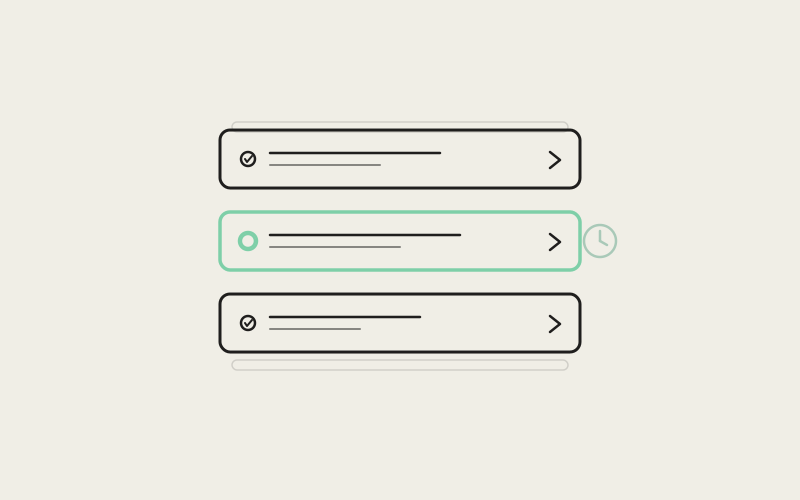
Watch an AI coding agent work for sixty seconds and you'll see dozens of small state changes land: a thought starts, a tool call fires, a result comes back, another tool call queues behind it. Render each of those as its own card and the transcript turns into a slot machine — panels popping open, collapsing, and re-ordering themselves while you're trying to read what the agent actually did. Influxx 1.2 rebuilds how the desktop native chat stream renders that activity, and the headline change is almost invisible by design: cards that are already on screen stay exactly as they are, at whatever size and open/closed state you left them, no matter what streams in underneath.
The Bug That Isn't a Bug
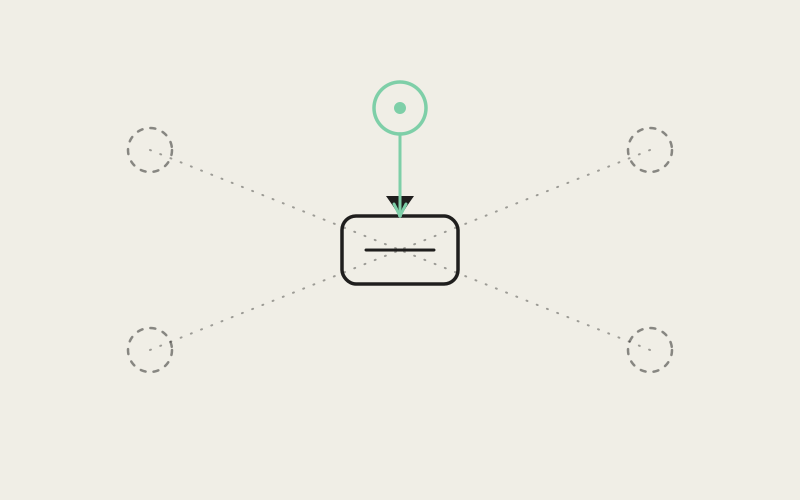
Nothing in a naive activity feed is technically broken. Each new tool call is a real event; rendering it as a new UI element is a defensible choice. The problem shows up only in aggregate, when a dozen technically-correct renders compound into a transcript that visibly jitters while an agent is mid-turn. NativeChatActivityCard.tsx in src/renderer/src/components/native-chat/ is where Influxx draws the line: consecutive tool and thought activity gets grouped into one shell, and that shell's identity is stable across the whole turn rather than being re-derived every time a new block streams in.
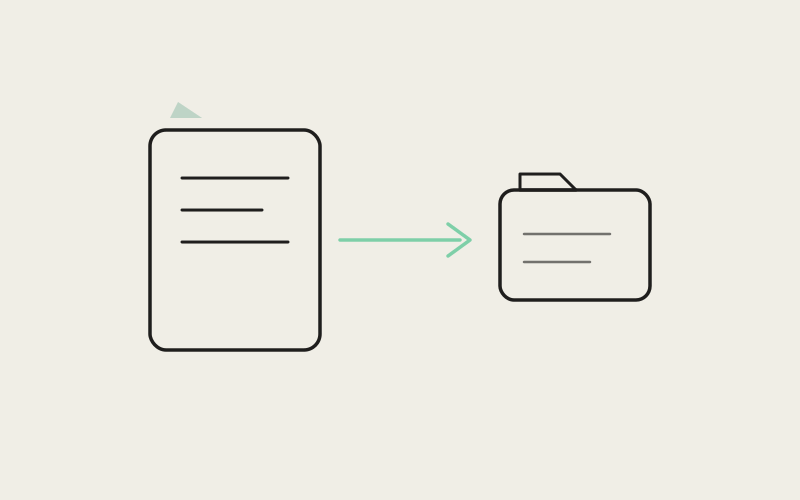
The grouping logic itself lives in native-chat-activity-segments.ts. It walks the message list and folds runs of tool-only activity into a single activity segment, while deliberately keeping reasoning messages — the agent's thoughts — outside that shell as flat, single-expand rows. The comment at the top of the file states the constraint plainly: never nest a thought card inside another "1 thought" card, because a card wrapping a card is exactly the kind of double-chrome that makes a stream feel busier than the work actually is.
Collapse-Stable, Not Just Collapsible
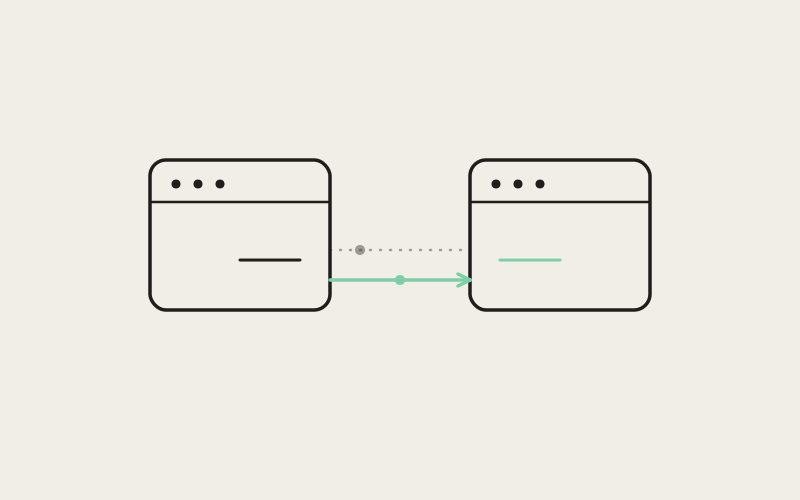
The distinguishing detail is in how the card's open state is initialized. In NativeChatActivityCard.tsx, once a shell crosses a size threshold — two or more tool calls — it opens with useState(() => Boolean(expandSignal) && !largeShell). That's a lazy initializer, evaluated once at mount, with no useRef and no effect tied to expandSignal re-firing later. The practical effect: once you've collapsed a card, a new tool result streaming into that same turn cannot silently re-open it. The code comment calls this out directly — "stream ticks never re-open the shell" — because a card that snaps open every time new output arrives is worse than one that never auto-opens at all.
The same pattern repeats one layer down in NativeChatToolRun.tsx, where individual tool rows (ToolStepRow) and aggregated groups of consecutive reads or searches (AggregatedToolGroup) both start collapsed via plain useState(false), deliberately independent of the live stream. A tool that finishes and gets folded into a "Read 4 files" group doesn't reset whatever the user already decided about visibility.
"The instinct when you're streaming UI is to make everything reactive to the latest event, because that feels live and responsive. What we found is that 'reactive' and 'jittery' are the same failure mode wearing different names. The fix wasn't more animation — it was refusing to let new data re-derive state the user already set."
— Dana Okafor, Staff Frontend Engineer, Native Chat at ETAPX
What "Thinking" Actually Says
Above the collapsed shell, the header text isn't a static "Working" label. NativeChatActivityCard.tsx computes a live thinkingStatusLabel by inspecting the current block stream: if any task rows are running, it asks for a subagent-flavored phrase; otherwise it looks at the most recent tool call's classified action and tool name and resolves a phrase through resolveNativeChatThinkingPhrase from the shared native-chat-thinking-phrases module. The header is a live summary derived from real state — what the agent is searching, editing, or spawning — not a spinner with a fixed caption. When nothing is live, the header falls back to a static rollup: a task count, a tool-call count, or the generic "Steps" label, joined with a middle dot.
Individual tool rows carry their own duration chips. use-native-chat-elapsed.ts is a small hook that ticks a local clock every 250ms while a row is active and freezes the last value the moment it goes inactive — so a completed tool keeps showing "3.2s" instead of the number disappearing or continuing to climb. NativeChatToolRun.tsx uses that hook in its DurationChip component, with one deliberate suppression: it hides the chip entirely for the first 400ms of an active run, specifically so near-instant tools don't flash a meaningless "<1s" before disappearing.
A Roster, Not a Pile of Cards
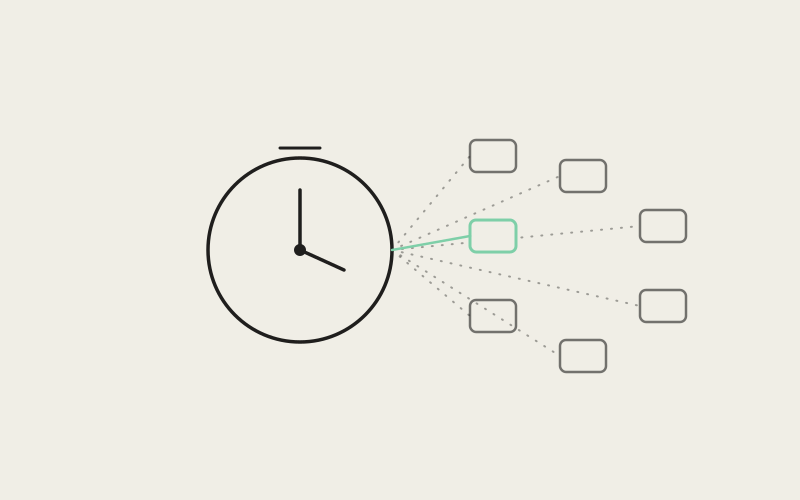
When an agent spawns subagents — parallel workers exploring different parts of a task — those don't get their own scattered activity cards. NativeChatTasksPanel.tsx renders them as rows in a single shell: one header showing a running count, then a list where each row shows a type label, a live-or-frozen duration, and the task's description, with a spinner, checkmark, or error icon per row. The roster is assembled by mergeNativeChatTaskRoster, called from both NativeChatActivityCard.tsx and NativeChatToolRun.tsx, which combines tool-call pairs classified as subagent launches with a live hook-reported subagent snapshot (hookSubagents) into one merged list. The two call sites coordinate so the panel never renders twice: NativeChatToolRun accepts a hideTasksPanel flag specifically so the parent activity card, which already rendered the roster, doesn't get a duplicate underneath it.
Thoughts Stay Flat
Reasoning output gets a different treatment entirely. NativeChatReasoningDisclosure.tsx renders a single-line disclosure — a voice-sphere icon while streaming, a "Thought for 3.7s" label once done — that auto-opens while live and auto-scrolls its body to the latest tokens, then collapses to a closed pill when the turn ends. Critically, an empty completed thought renders nothing at all: the component returns null if there's no streaming happening and no body text, so a thought that produced no visible reasoning doesn't leave behind a hollow "Thought" chip cluttering the transcript.
"I run long multi-step tasks where the agent is chaining ten or twelve tool calls in a row. Before, I'd collapse the activity card to read the actual answer below it, and it would just pop back open the next time a tool finished. Now I collapse it once and it stays collapsed for the rest of the turn. That sounds small until you're staring at the screen for two straight minutes."
— Theo Marsh, platform engineer at a fintech infrastructure company, Influxx user
Tool Results Without the Wall of Text
The other half of this update is what happens inside an expanded tool row. NativeChatToolRun.tsx routes tool output through presentToolResultForChat and caps anything it does show at MAX_TOOL_RESULT_CHARS (4000 characters), truncating with an ellipsis rather than dumping an entire file read into the chat pane. Diff-shaped results render through a dedicated NativeChatDiffView instead of raw text, and file-read or search results explicitly skip diff-detection — a code comment notes this is so prose or diagrams that happen to contain +/- characters don't get misclassified as a diff and rendered in a confusing dual panel. Read and search tool rows also skip a redundant "Arguments" panel, since the file path shown as the row's preview already is the argument worth seeing.
Consecutive reads and searches collapse further still: aggregateConsecutiveToolPairs, used in NativeChatToolRun.tsx, folds a run of "Read fileA," "Read fileB," "Read fileC" into a single "Read 3 files" group that expands to the individual rows on click, rather than three separate lines competing for space in an already busy stream.
"None of this shows up on a feature list. Nobody buys a coding tool because a card doesn't jitter. But it's the difference between a stream you trust enough to look away from for thirty seconds and one you have to babysit because you're not sure if the next update is going to rearrange what you were just reading."
— Priya Ansari, VP of Product at ETAPX
Why This Is the Hard Part
Streaming an agent's live activity is, from a distance, a solved UI problem: append new events, render them. The actual difficulty is everything downstream of that — deciding when a grouped shell's identity is stable enough that new data shouldn't perturb it, deciding which state (open/closed, expanded/collapsed) belongs to the user rather than to the stream, and deciding what to hide entirely rather than render half-formed. Influxx 1.2's native chat work is a case study in that second category: virtually none of the individual decisions — a lazy useState initializer here, a 400ms suppression window there, a hideTasksPanel flag to prevent double-rendering — are visible as features. Their combined effect is a stream that reads as calm while an agent is doing genuinely a lot of work underneath it, which is exactly the outcome that's hardest to get credit for and hardest to get right.
Frequently Asked Questions
Does collapsing an activity card stop the agent's work or hide errors?
No. Collapsing is purely a display state — the underlying tool calls, results, and task roster keep updating in the background. Error results still surface: ToolStepRow and the Tasks panel both render a distinct error icon and styling for failed tool calls even while collapsed, via the row's status pill and the roster's per-task status.
Will a card ever re-open itself while an agent is working?
No, not once you've interacted with it. The activity shell and individual tool rows initialize their open state once at mount and don't re-evaluate it when new stream data arrives — that's the specific behavior this update was built to guarantee.
What happens to very short-lived tool calls — do they still show a duration?
Not immediately. The duration chip is suppressed for the first 400ms of an active tool run specifically so near-instant tools don't flash a meaningless sub-second number before disappearing.
Are an agent's thoughts grouped into the same collapsible card as its tool calls?
No. Reasoning renders as its own flat, single-expand disclosure outside the tool activity shell — the code explicitly avoids nesting a thought card inside a tool card to prevent double-expand chrome.
How does the UI distinguish a subagent launch from a regular tool call?
Subagent tool calls are classified separately via isSubagentToolName and routed into the shared Tasks roster instead of being rendered as a generic tool row, so parallel workers show up as roster entries with their own status rather than as ordinary tool-call lines.
Is there a limit on how much tool output gets shown in an expanded row?
Yes. Tool result and argument text is capped at 4000 characters before being truncated with an ellipsis, so a tool that returns an unusually large payload doesn't turn the chat pane into a raw text dump.
Does this change how the CLI terminal itself behaves?
No. Native chat is a rendering layer over the same underlying agent session; this update is scoped to how that layer presents activity, not to the agent or terminal process it's reflecting.
The best compliment a status UI can get is that nobody mentions it — which is a strange thing to aim for, and an even stranger thing to actually ship.